· 3 min read
How to Edit or Remove PDF Metadata
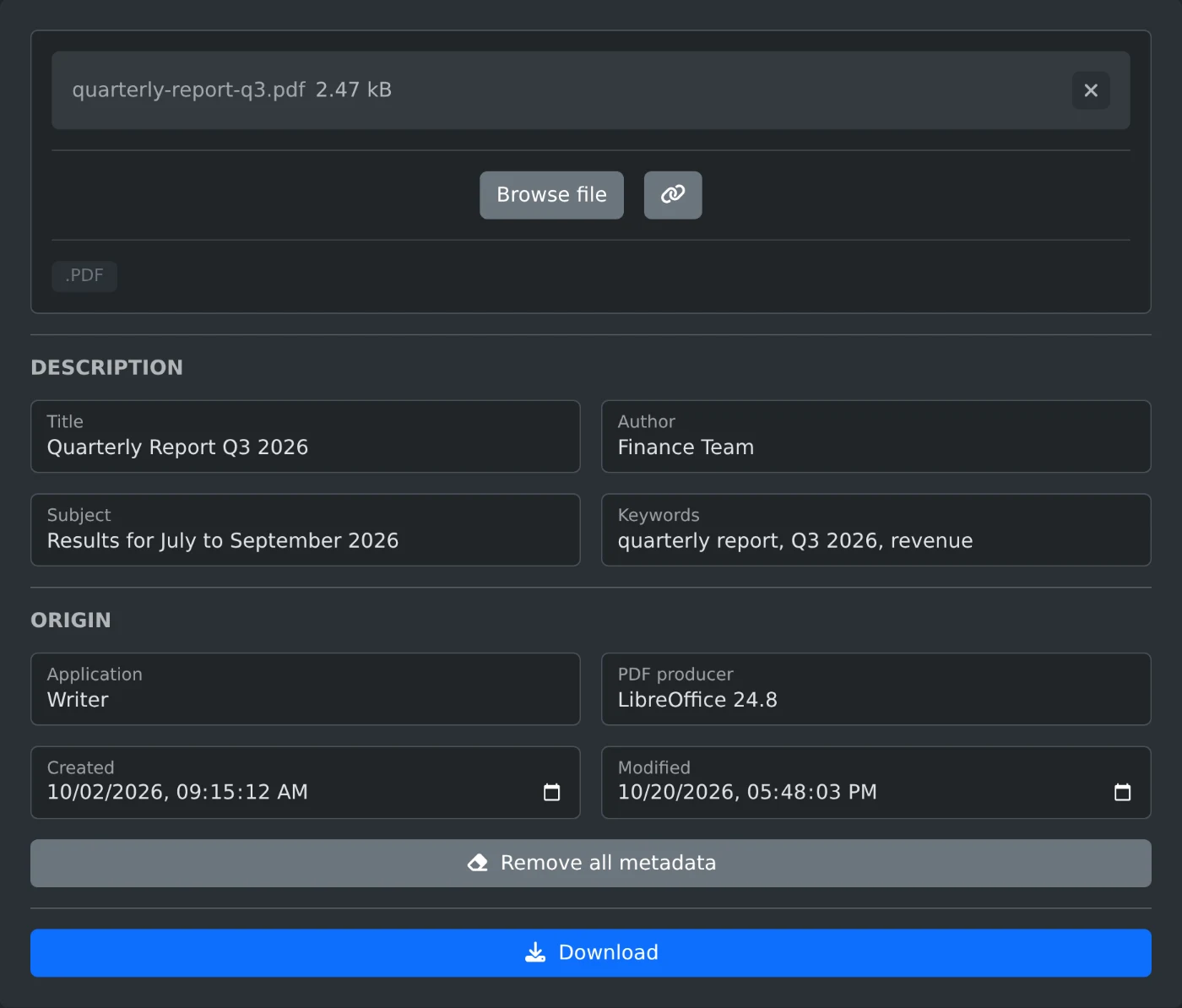
Change the title, author, keywords and dates stored in a PDF, or clear them all, then download the edited copy. Nothing is uploaded.
Practical guides for getting things done with our tools, and news from the dev blog.
· 3 min read
Change the title, author, keywords and dates stored in a PDF, or clear them all, then download the edited copy. Nothing is uploaded.
· 3 min read
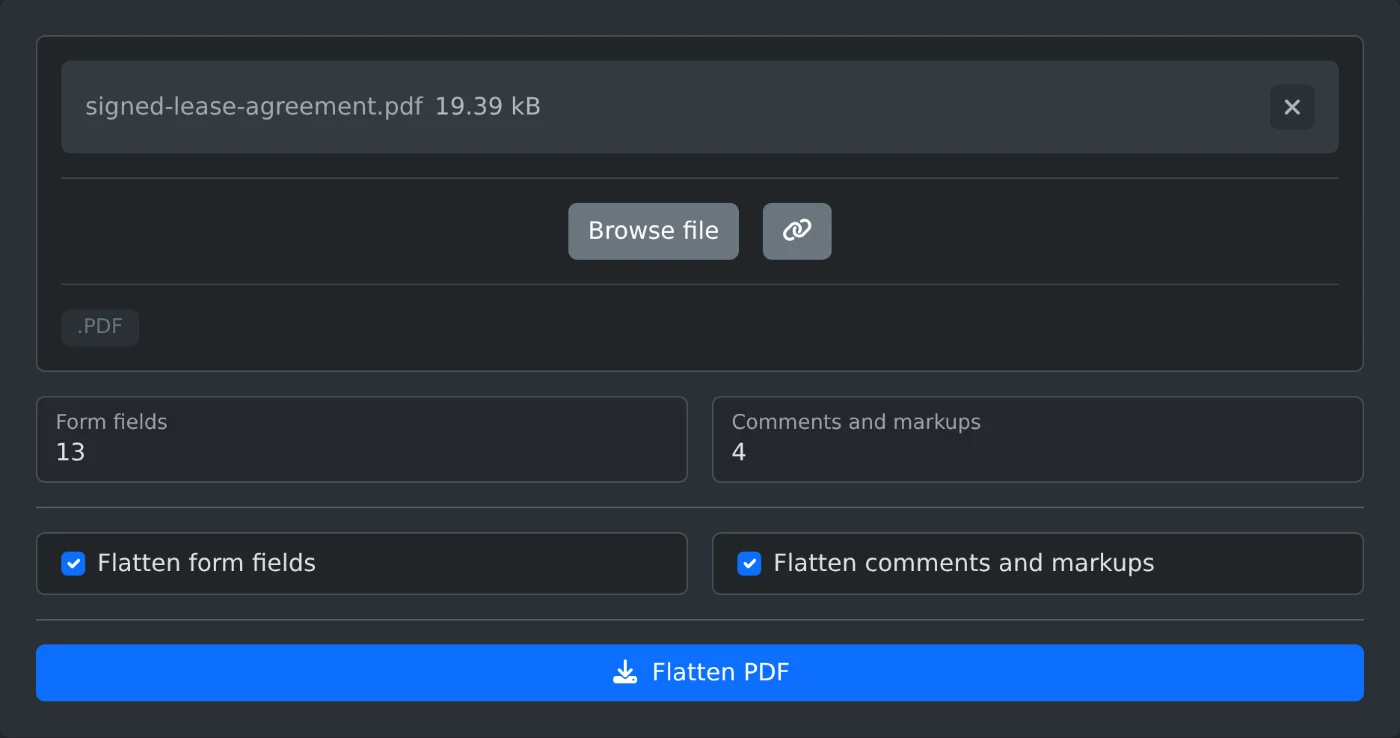
Make filled form fields, highlights, notes and stamps part of the page, so nobody can change them, and download the flattened PDF. Nothing is uploaded.
· 3 min read
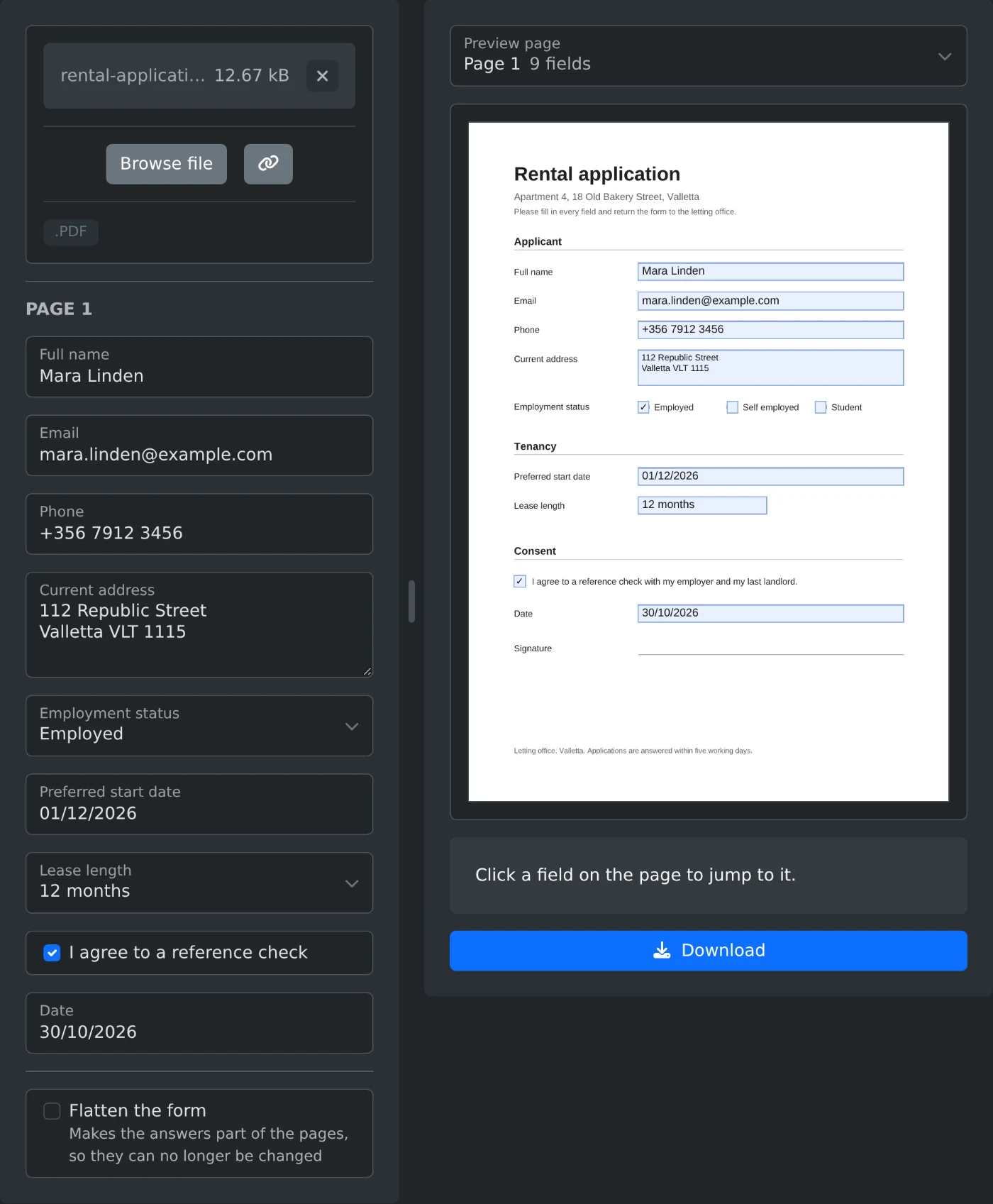
Type your answers into a fillable PDF form in your browser, check each one on the page preview, and download the filled file. Nothing is uploaded.
· 3 min read
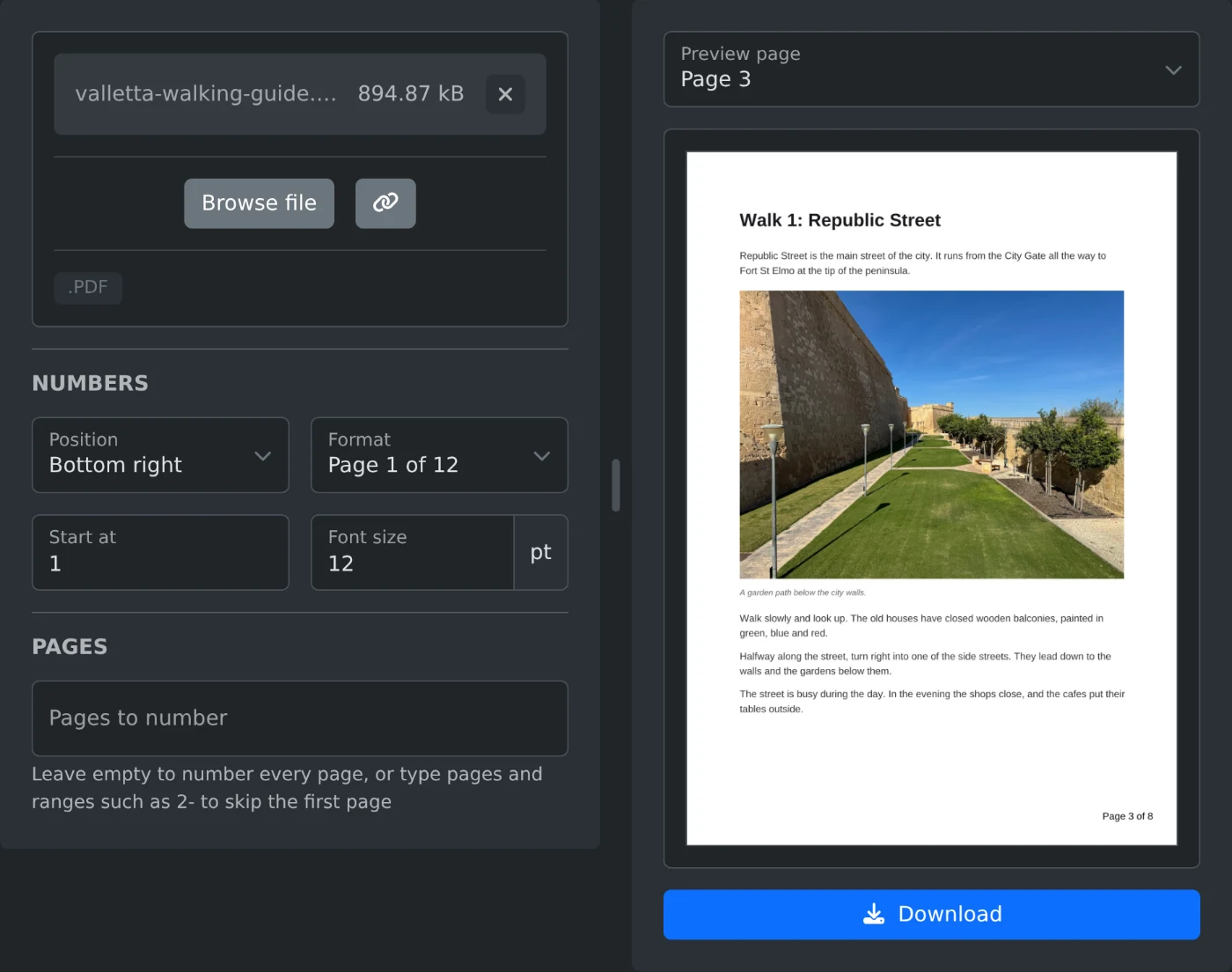
Number the pages of a PDF in your browser. Pick the position and a format such as Page 1 of 12, leave out the cover if you want, and download.
· 2 min read
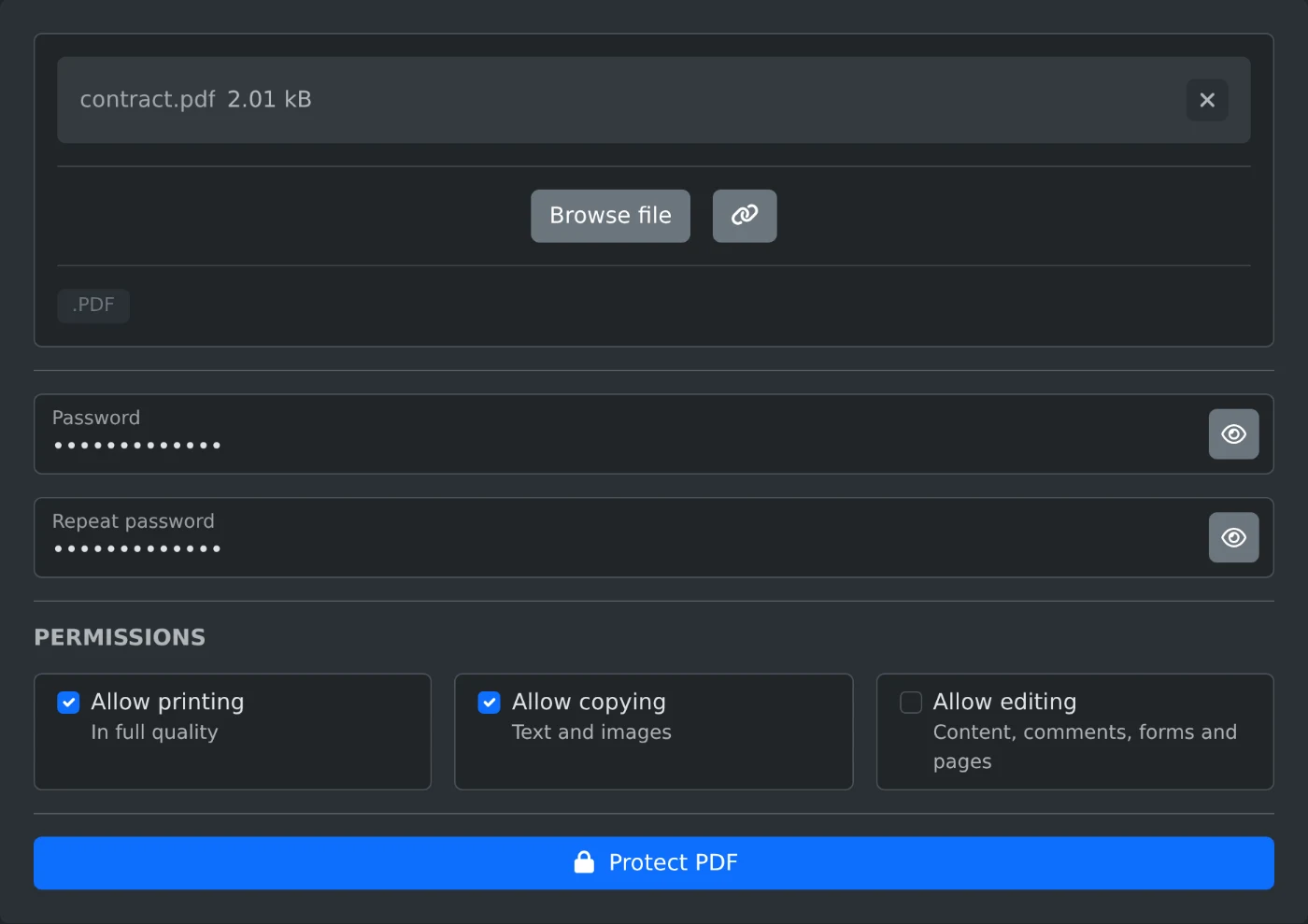
Add a password to a PDF in your browser, choose whether readers may print, copy or edit it, and download the locked copy. Nothing is uploaded.
· 3 min read
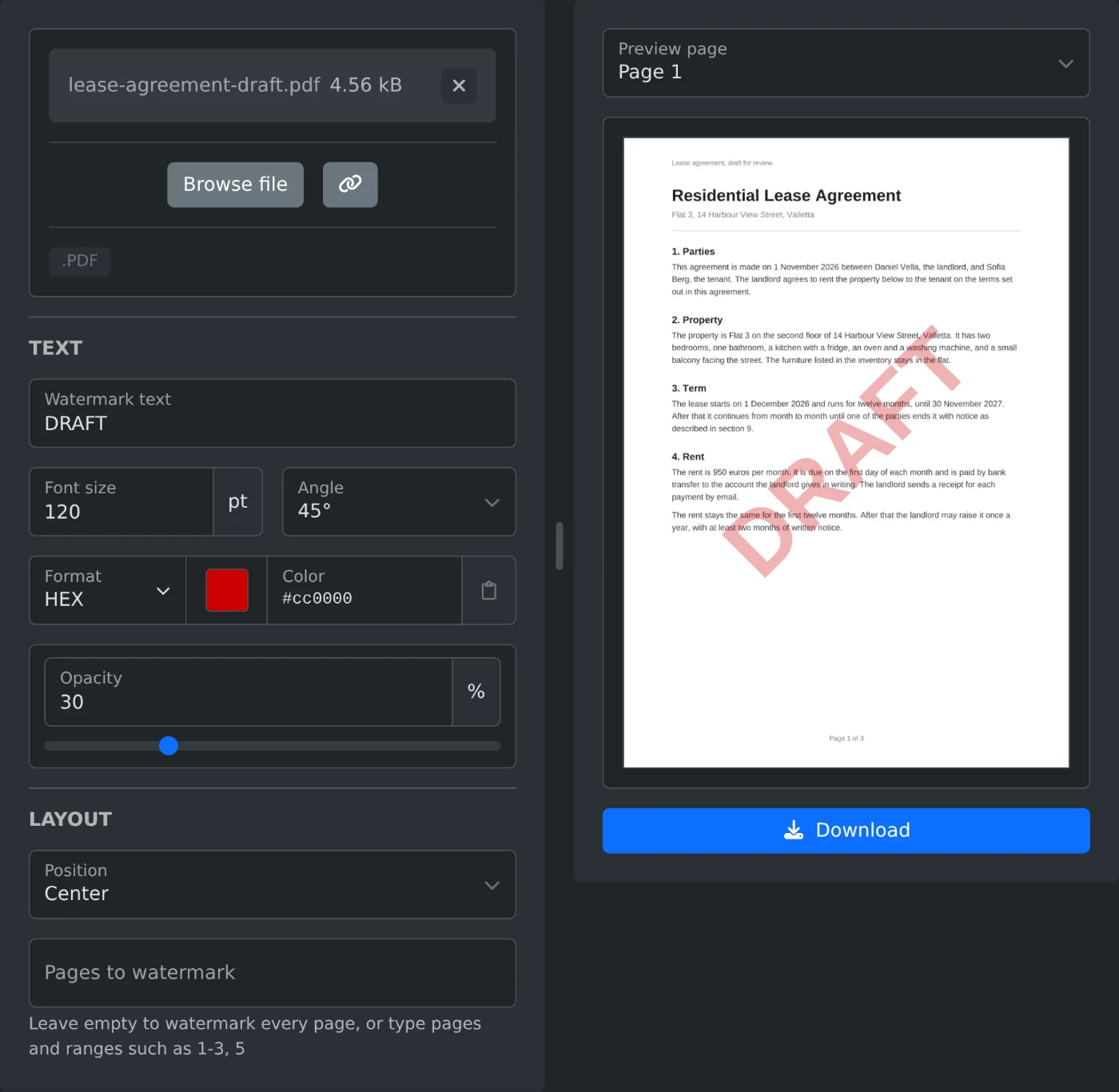
Stamp DRAFT, CONFIDENTIAL or your own text on the pages of a PDF in your browser, check the preview, and download the watermarked file.
· 3 min read
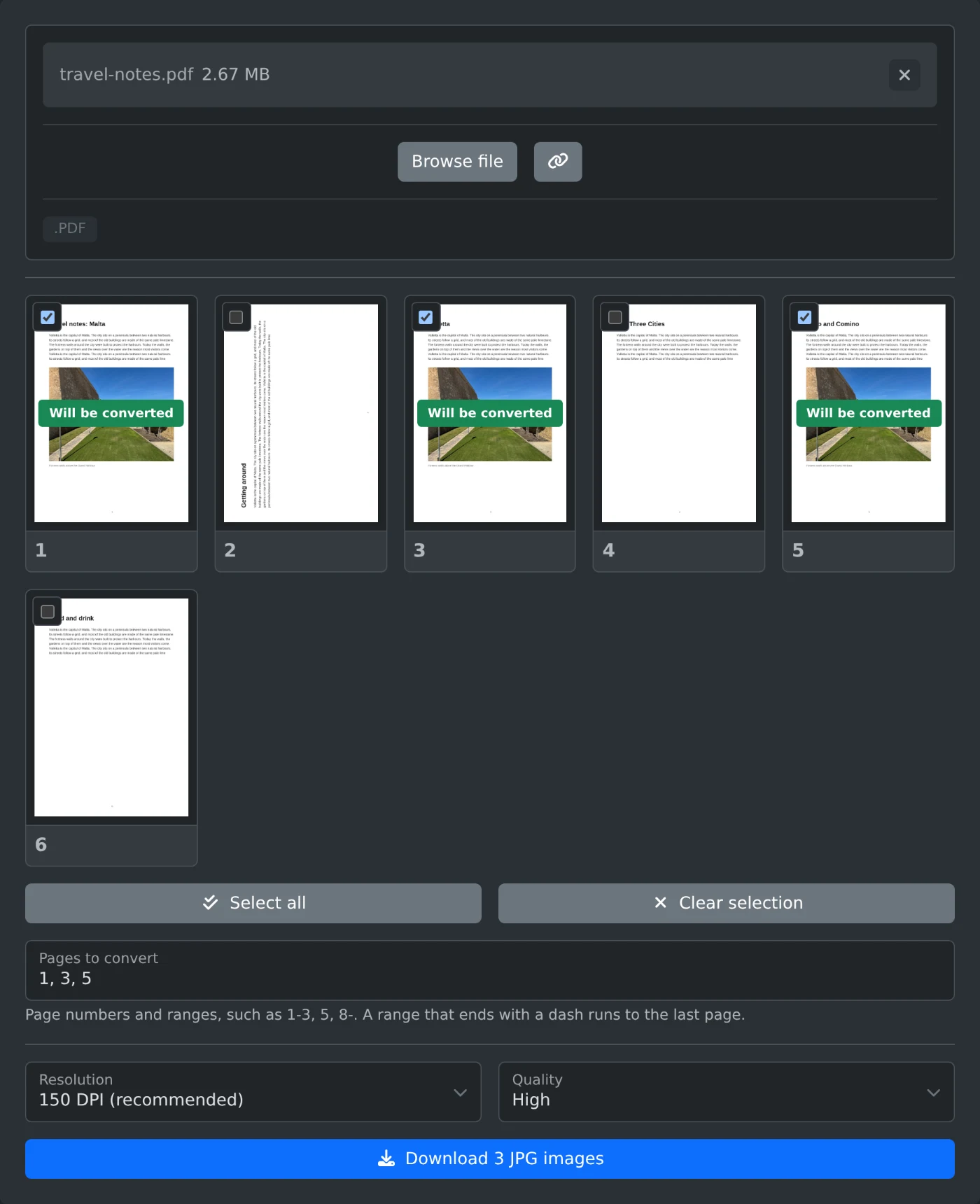
Save PDF pages as JPG images in your browser. Choose the pages, the DPI and the quality, then download one JPG or all of them in a ZIP file.
· 2 min read
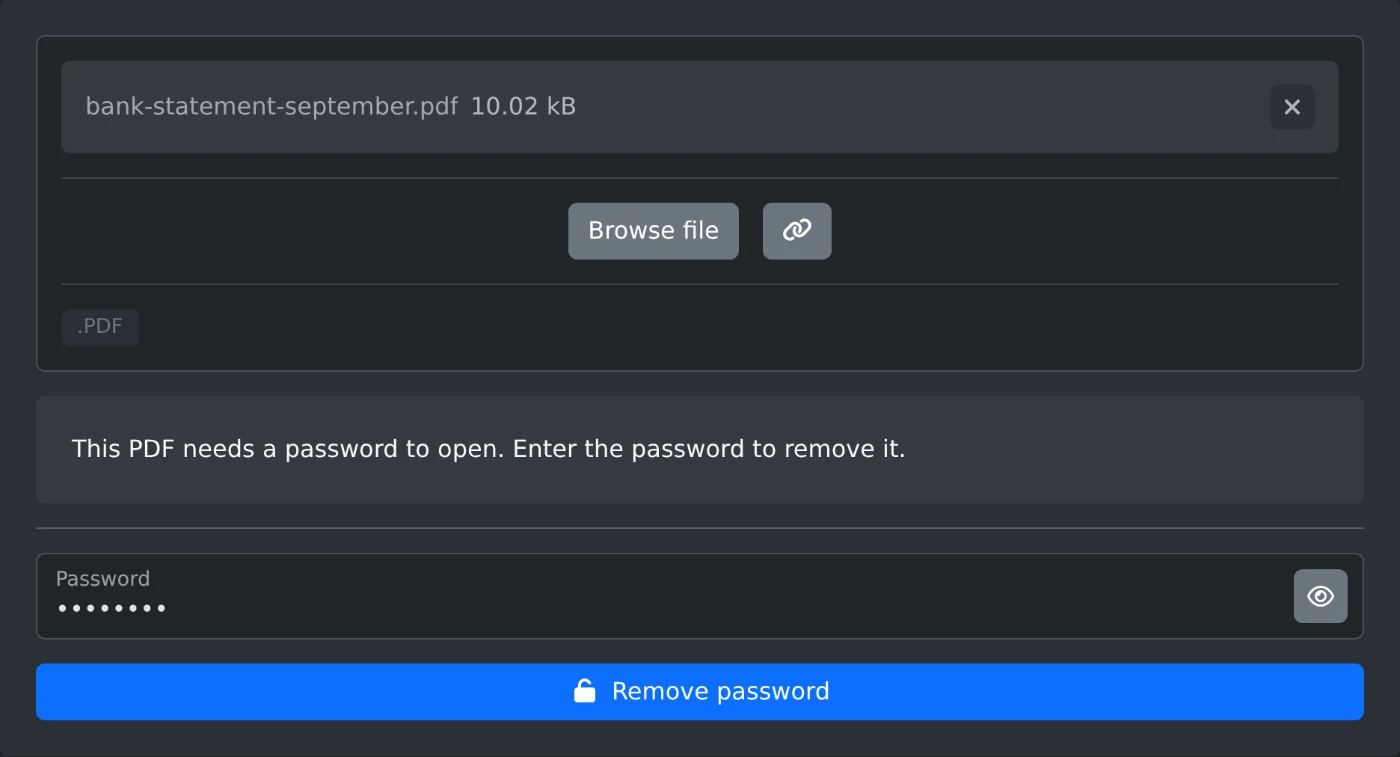
Type the password once and download a copy of the PDF that opens without it, with no print, copy or edit limits. It all runs in your browser.
· 3 min read
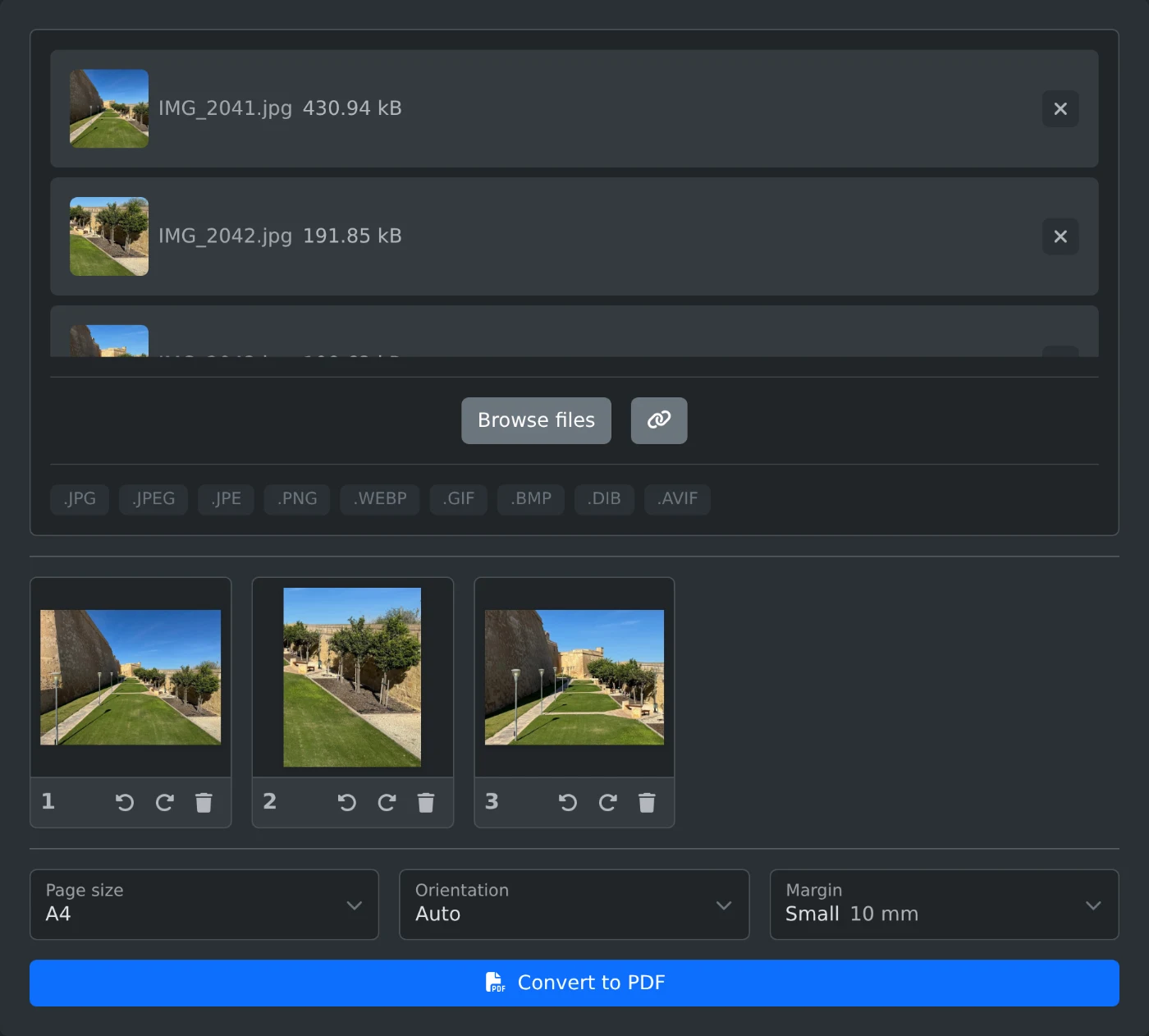
Turn JPG photos into one PDF in your browser. Put them in order, pick the page size and a margin, and download the PDF. Nothing is uploaded.
· 2 min read
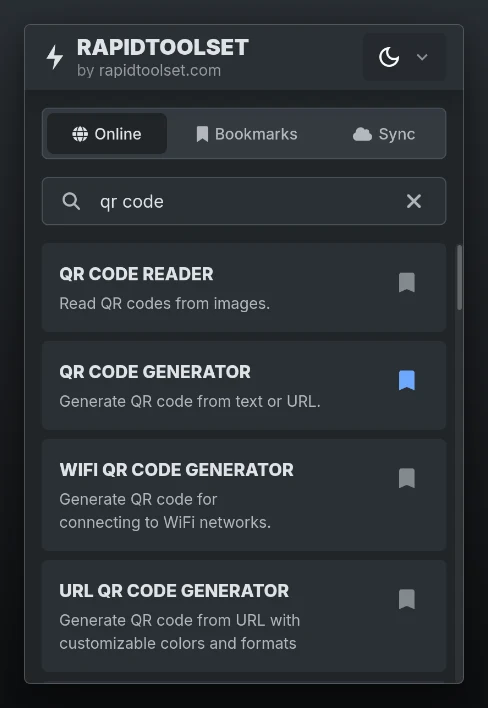
The Chrome and Firefox extension now looks like the site and speaks 16 languages
· 3 min read
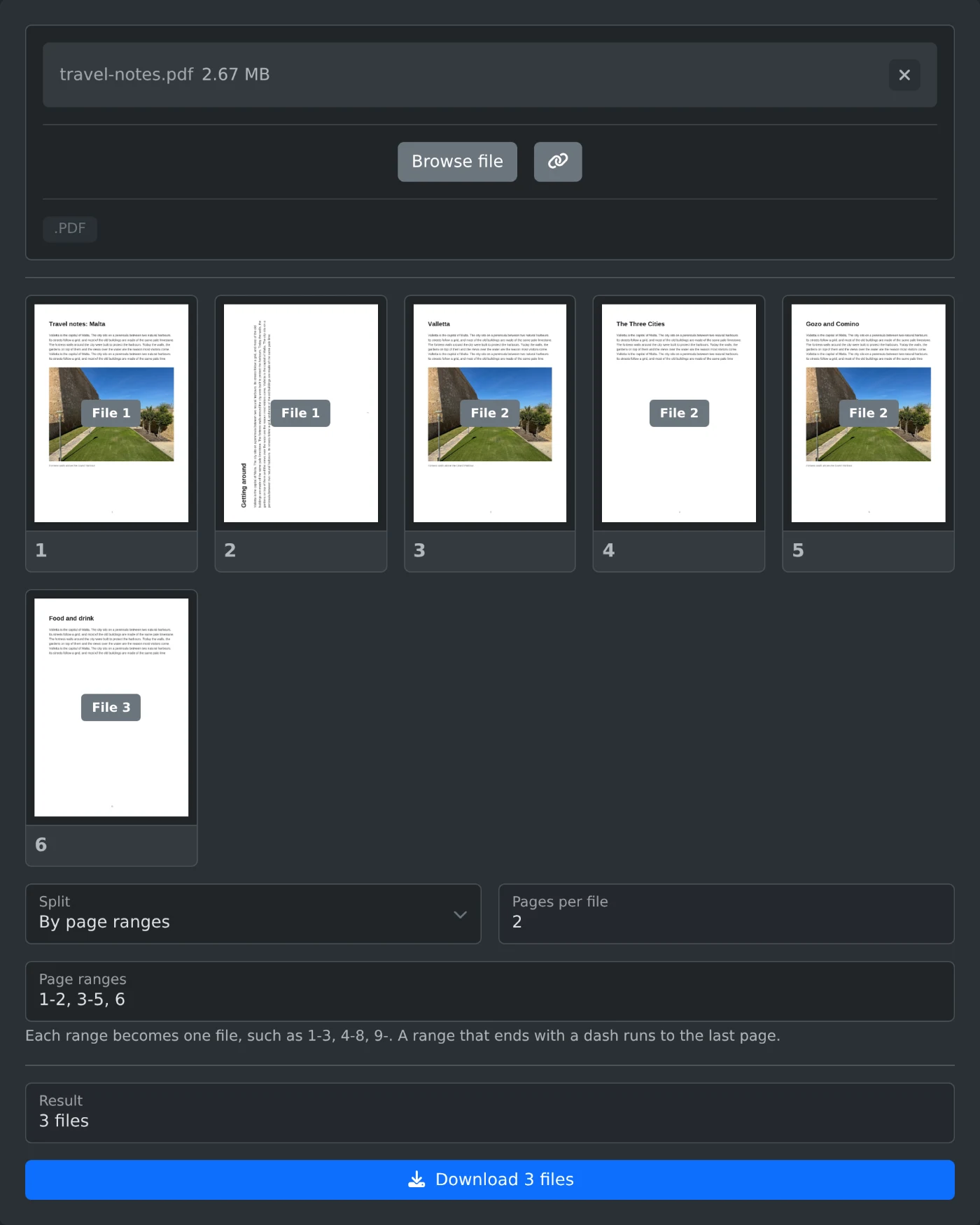
Split a PDF into one file per page, every few pages or by page ranges, see which file each page goes to, and download the parts as a ZIP.
· 2 min read
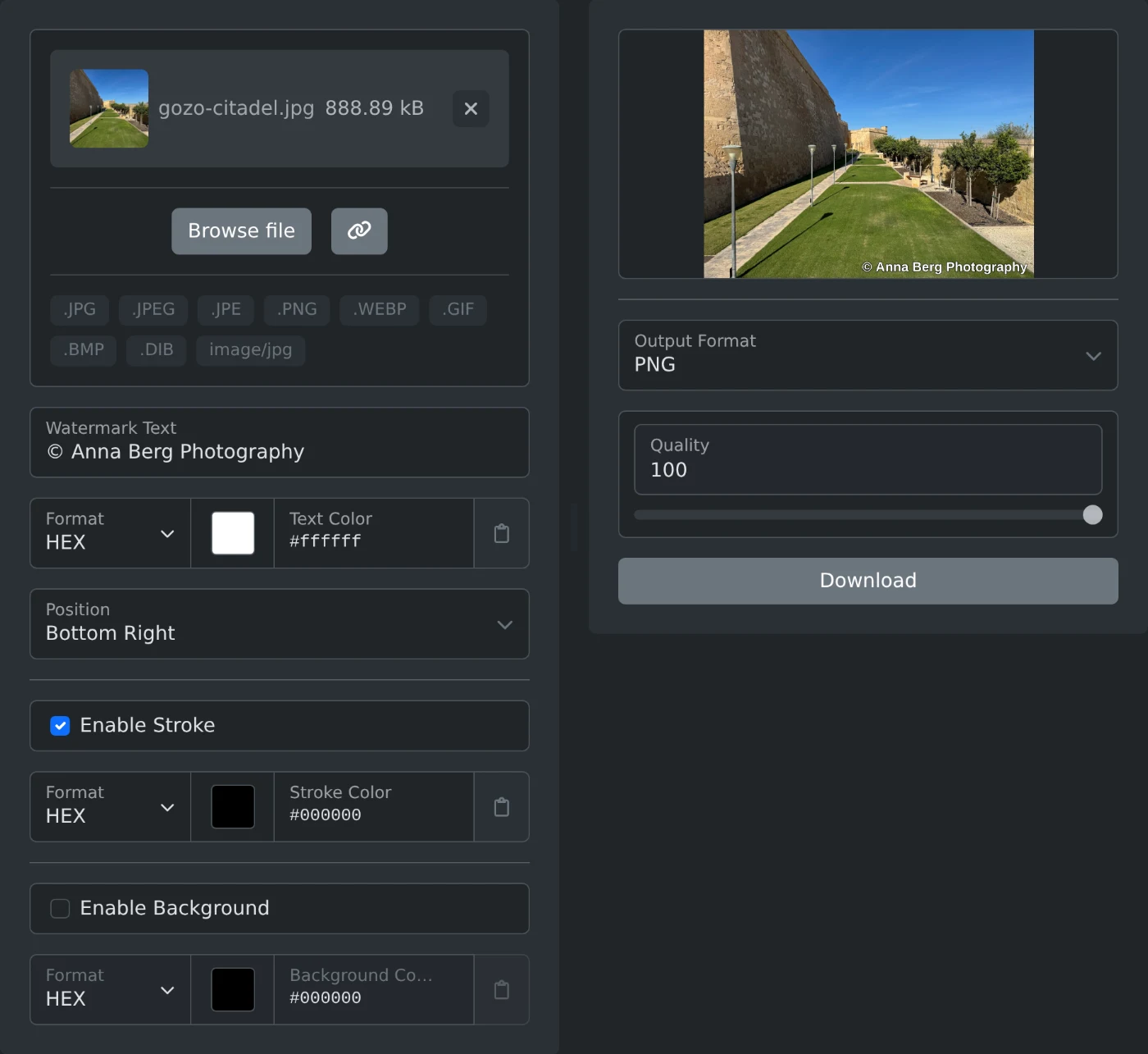
Put your name or a copyright line on a photo, pick the corner, check the preview, and download the watermarked copy. Nothing is uploaded.