Quick access
Open, search, and launch any tool right from your browser toolbar, without leaving the page you're on.
Install the free browser extension for Chrome or Firefox to open tools instantly and keep your bookmarks in sync.
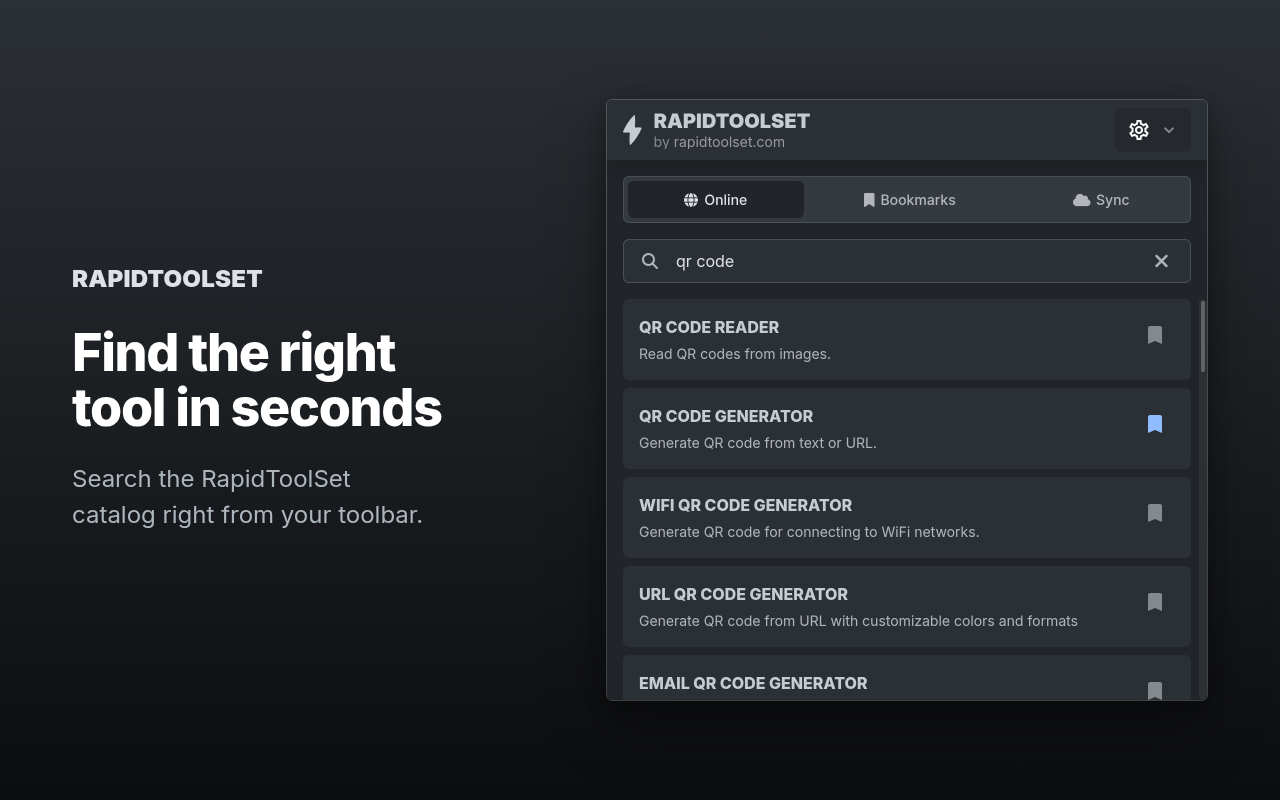
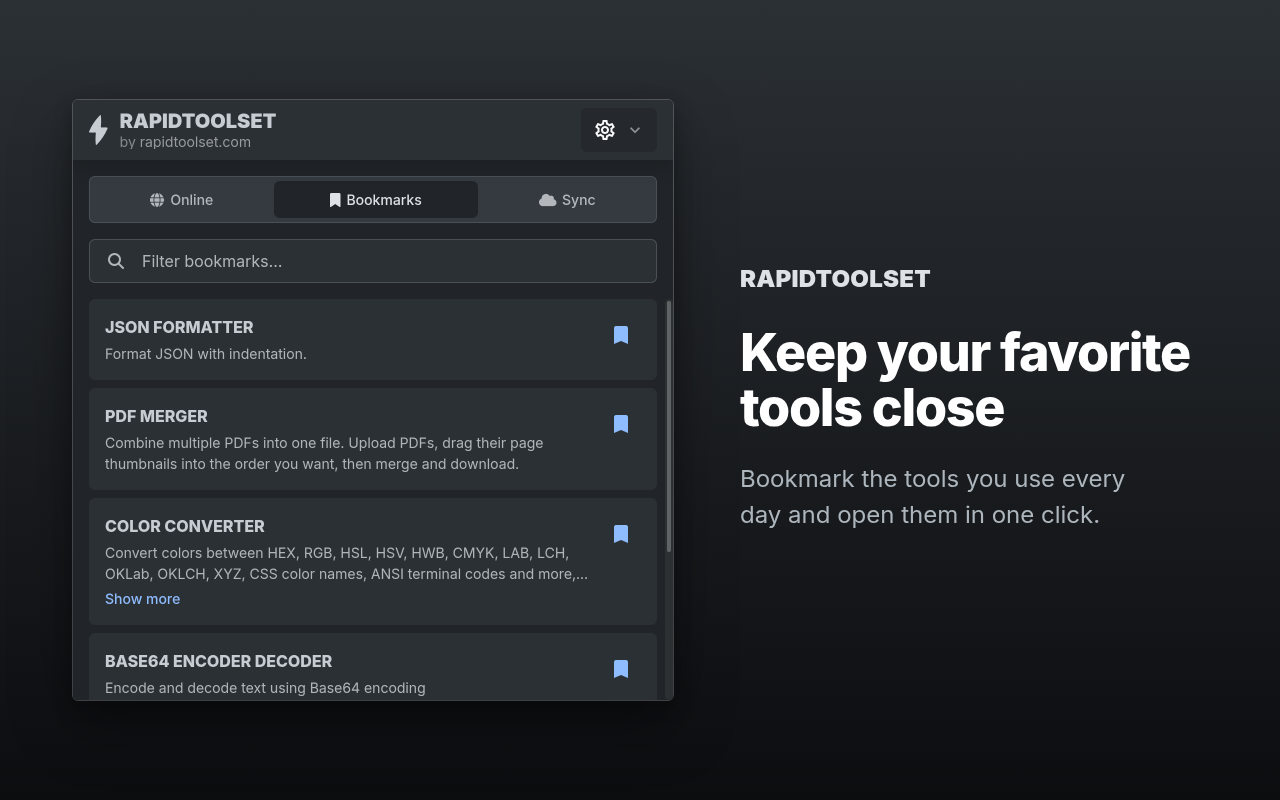
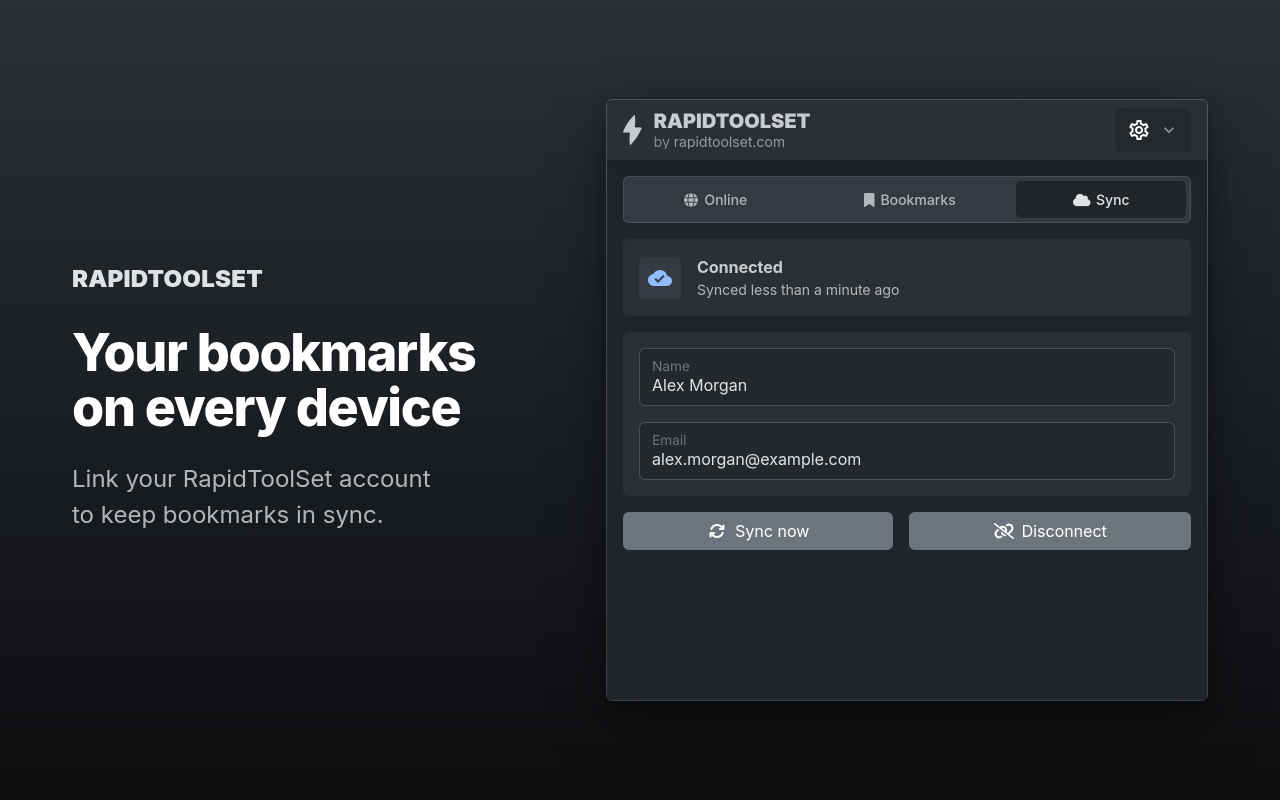
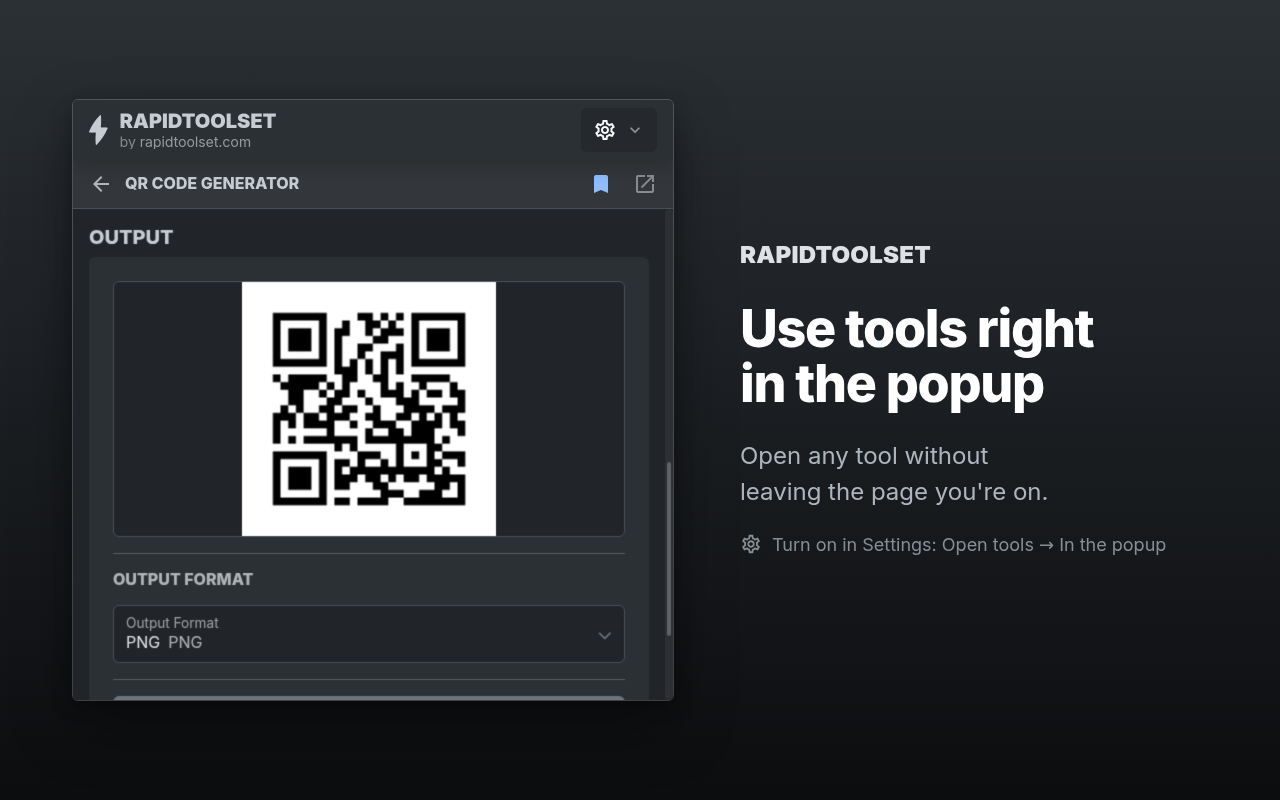
Open, search, and launch any tool right from your browser toolbar, without leaving the page you're on.
No tracking, minimal permissions requested. The extension doesn't collect or sell your browsing data.
The extension's code is public. Browse it, report issues, or contribute on GitHub.
To install, open Chrome Web Store or Firefox Add-ons in your browser, click "Add to Chrome" or "Add to Firefox", and confirm the permissions prompt that follows. Once installed, pin the extension to your toolbar so its icon stays visible, then click it any time you want to search for, open, or bookmark a tool without leaving the page you are on.