How to Split a PDF into Separate Files
Split a PDF into one file per page, every few pages or by page ranges, see which file each page goes to, and download the parts as a ZIP.
3 min read
Split a PDF into several files: one per page, every few pages, or by page ranges such as 1-3, 4-8. See which file each page goes to on the thumbnails, then download the parts as a ZIP file.
Splitting a PDF cuts one document into several smaller PDFs. It's the quick way to send each chapter of a report to a different person, turn a scanned stack of invoices into one file per invoice, or get a big file under an email size limit.
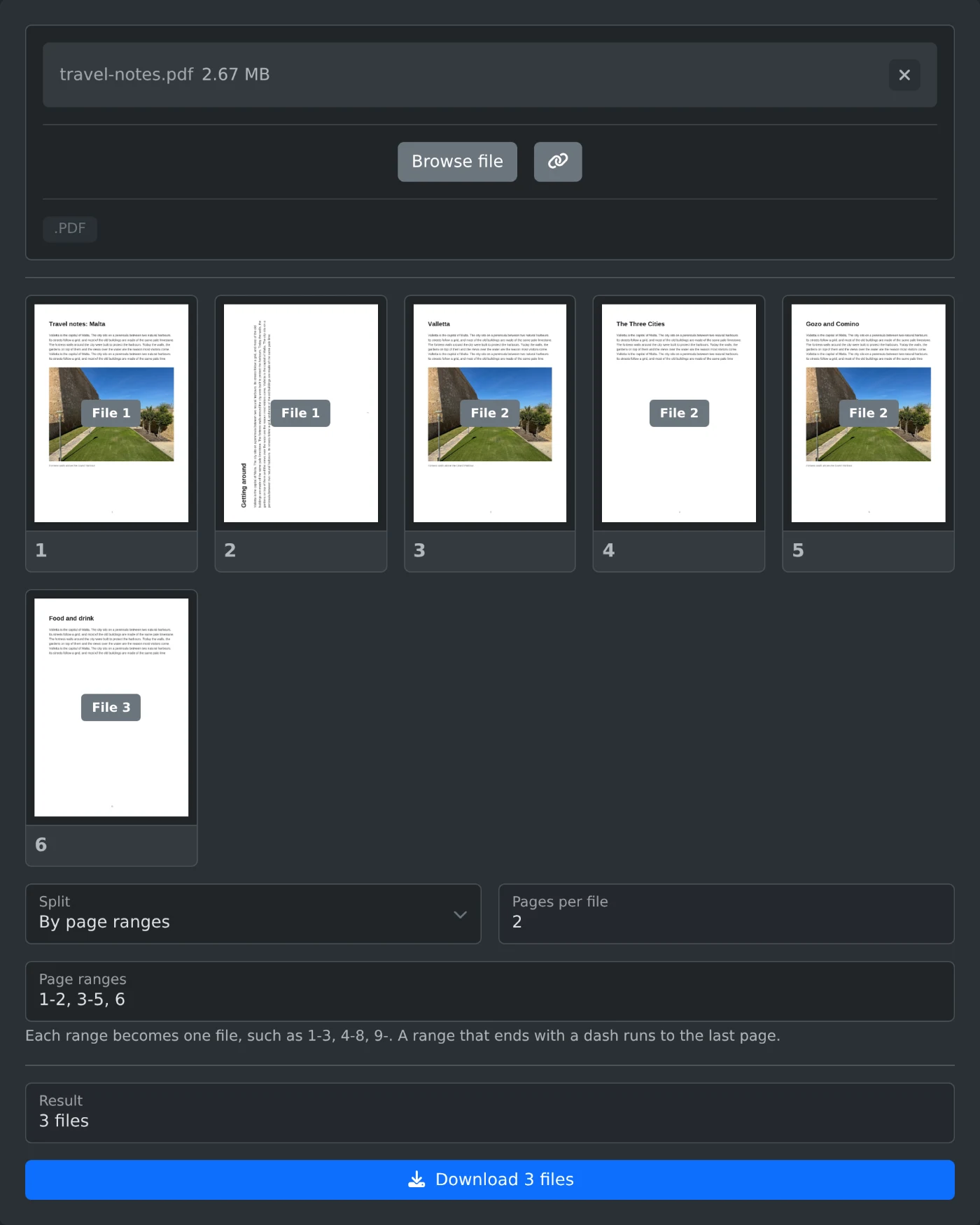
This tool loads one PDF and shows every page as a thumbnail. Choose how to split it: every page into its own file, every few pages, or by page ranges you type. Each thumbnail shows the file its page goes to, so you can check the result before you download it. A single file downloads as a PDF, several files come in one ZIP.
For a PDF with 12 pages named report.pdf:
report-01.pdf to report-12.pdf.1-3, 4-8, 9- give 3 files: pages 1 to 3, 4 to 8, and 9 to 12.9-, runs to the last page.9-, 1-3 puts pages 9 to 12 in the first file.Split a PDF into one file per page, every few pages or by page ranges, see which file each page goes to, and download the parts as a ZIP.
3 min read