How to Rotate PDF Pages
Turn sideways or upside down PDF pages upright in your browser, one page or all of them, and download the fixed file.
2 min read
Rotate PDF pages left or right, one at a time or all at once. Check the result on page thumbnails, then download the rotated file.
PDF page rotation turns pages by a quarter turn so they display upright. It fixes scans that came out sideways or upside down, and pages that were saved in landscape when they should be portrait.
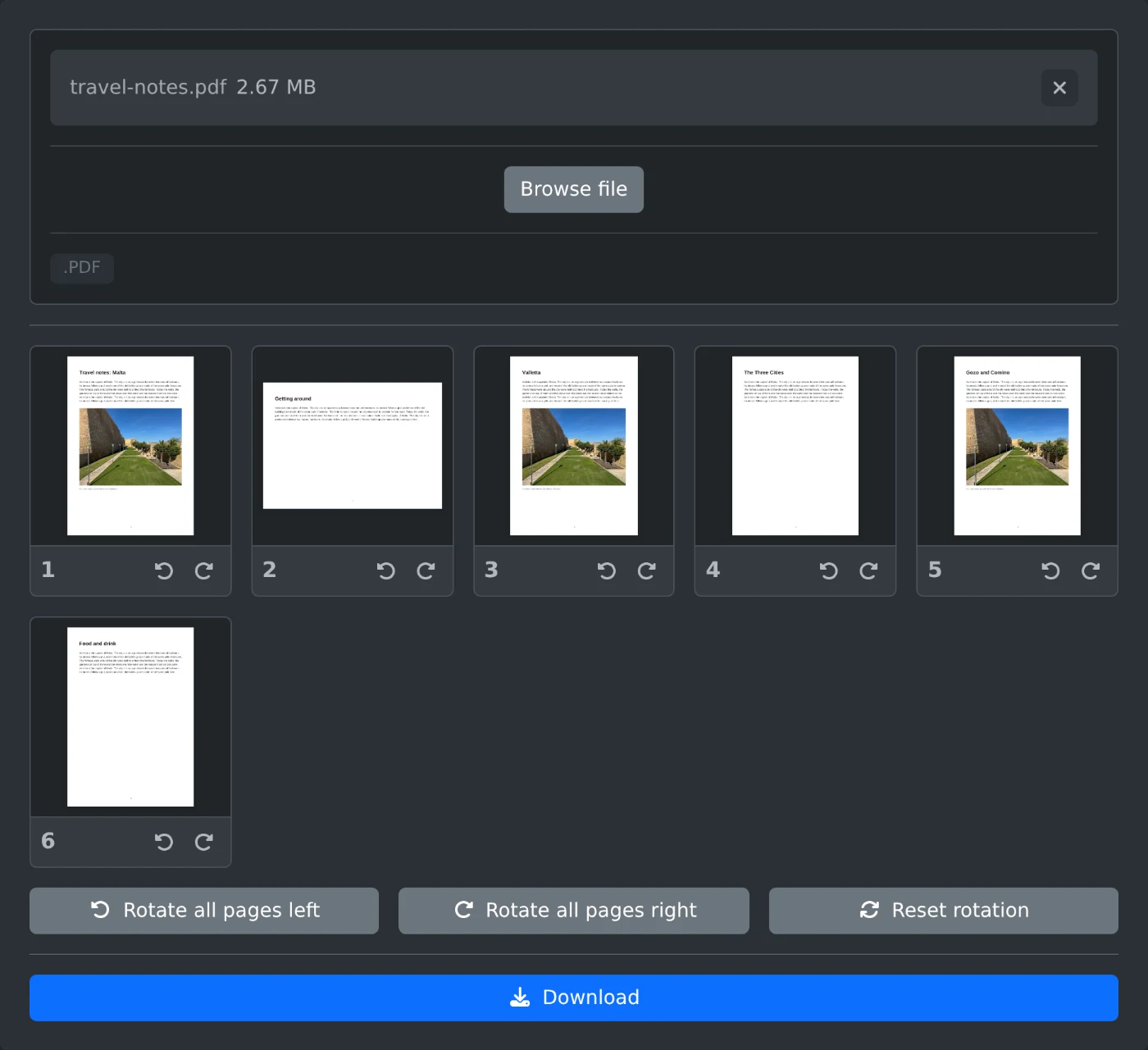
This tool loads one PDF and shows every page as a thumbnail. Turn a single page left or right with the buttons under it, or turn all pages at once. When the pages look right, download the rotated PDF.
The PDF is rendered locally in the browser to draw the thumbnails. On download, the rotation you chose is added to each page's own rotation setting, so the page content is not re-rendered or recompressed. Your file never leaves your device.
Turn sideways or upside down PDF pages upright in your browser, one page or all of them, and download the fixed file.
2 min read