How to Make an Invoice and Download It as a PDF
Fill in your details, your client and the items, add tax or a discount, and download a clean PDF invoice. No account, nothing is uploaded.
3 min read
Create a professional invoice with your logo, line items, tax and discounts, then download it as a PDF. Everything stays in your browser.
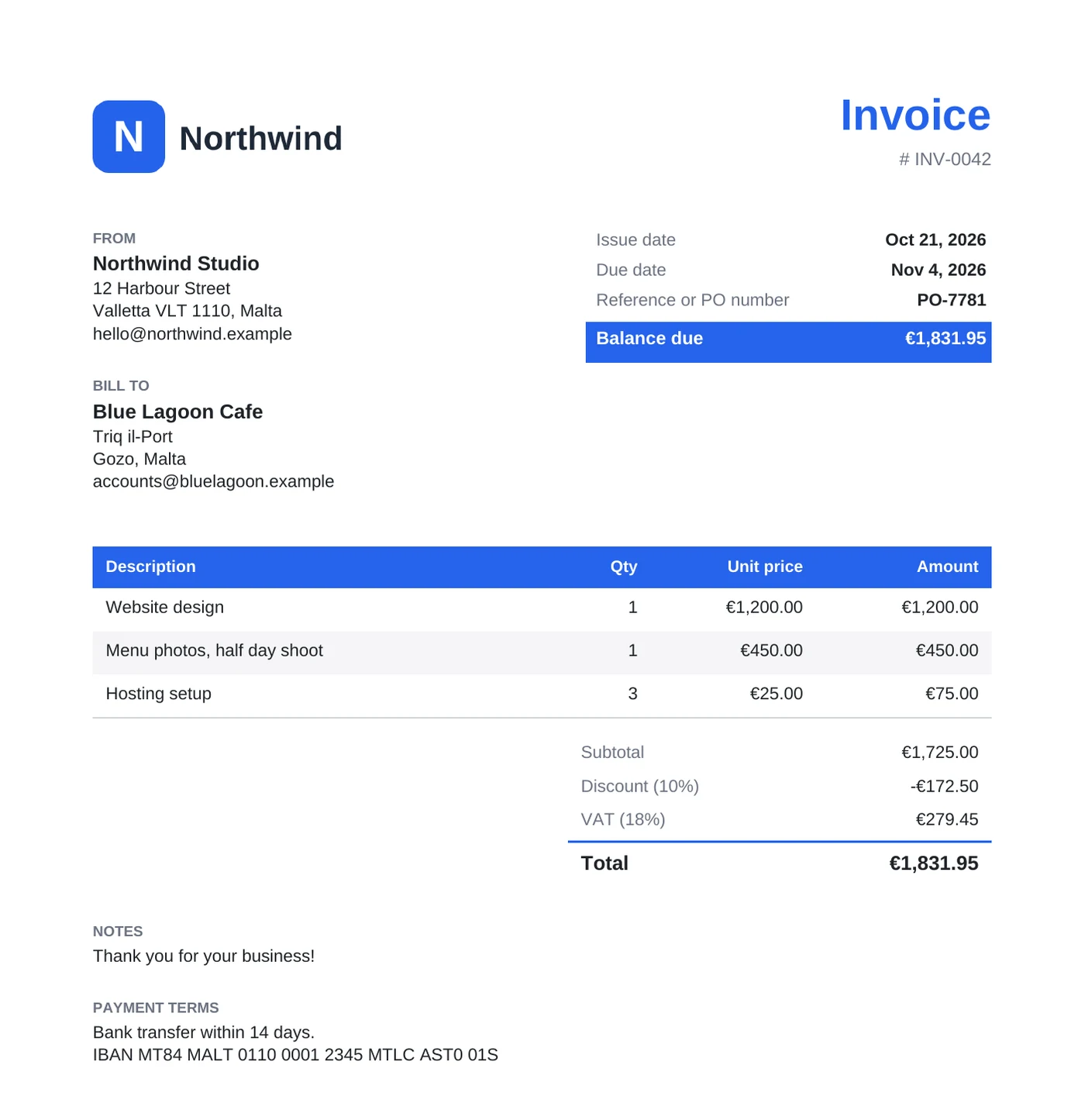
An invoice is the bill you send after a sale or a finished job. It tells the client what they owe, what for, and by when. It needs your details and the client's, a unique invoice number, the issue and due dates, one line per item, any tax, the total, and how to pay. Many countries add rules for tax invoices, such as showing your VAT or tax ID number, so check with your local tax office if you're not sure.
Fill in the form and the PDF preview updates as you type. Set the invoice number, dates and a reference or PO number, put your details and logo under "From" and the client under "Bill to", then add one row per item with a description, quantity and unit price.
The totals are counted in this order:
Download it as a PDF on A4 or Letter paper, in the accent color you pick. The invoice is made in your browser, and the form is saved there, so your details and logo are still filled in next time.
10 hours of design at 75 make a subtotal of 750. A 10% discount takes off 75, 20% tax on the remaining 675 adds 135, and 15 for shipping brings the total to 825. With 100 already paid, the balance due is 725.
Fill in your details, your client and the items, add tax or a discount, and download a clean PDF invoice. No account, nothing is uploaded.
3 min read