
How to Add a Watermark to a Photo
Put your name or a copyright line on a photo, pick the corner, check the preview, and download the watermarked copy. Nothing is uploaded.
2 min read
Add custom text watermarks to your images. Protect your photos with copyright text, branding, or signatures. Customize text color, stroke, background, and position. Preview in real-time and download watermarked images instantly.
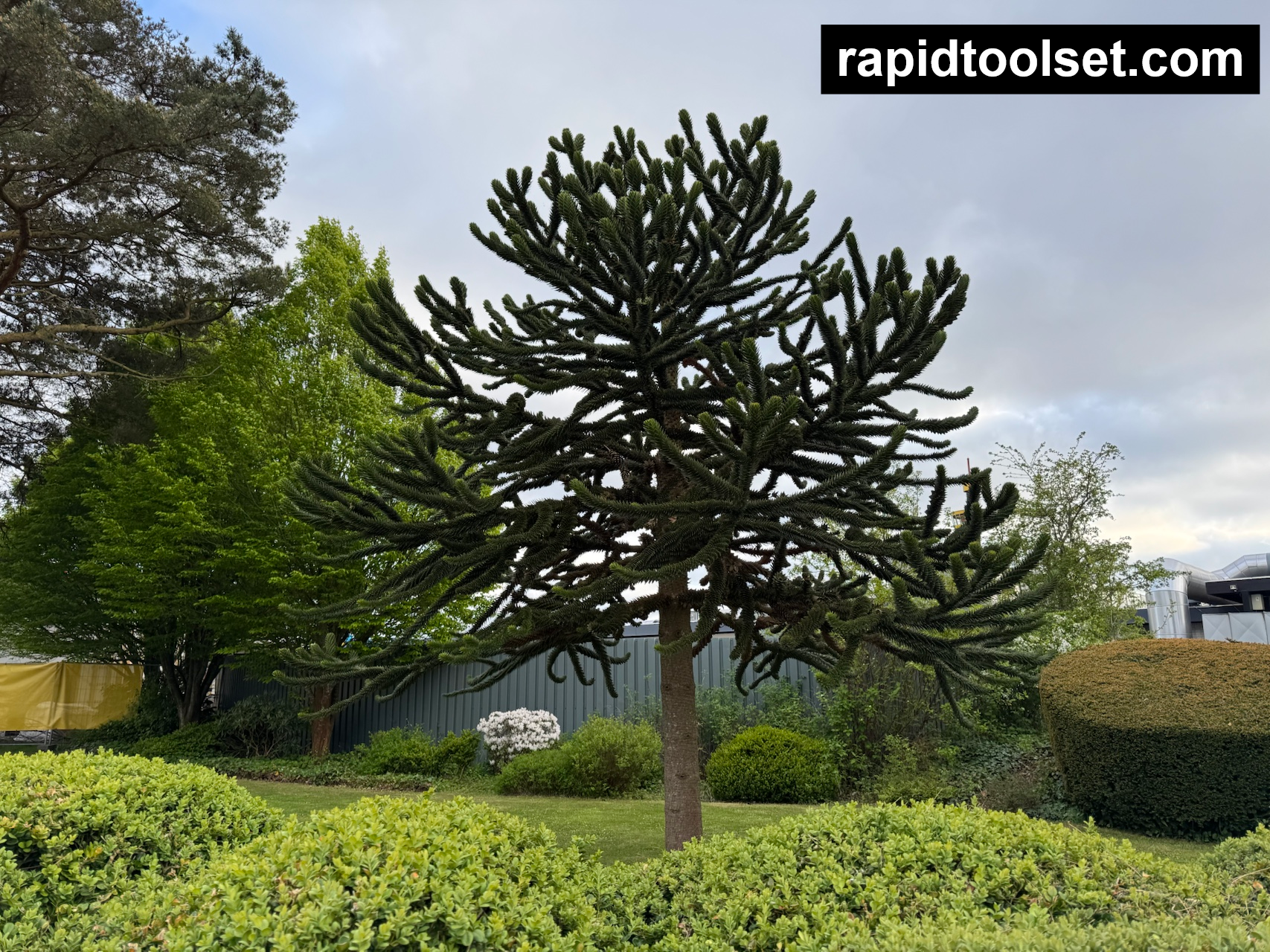
An image watermark is text or a graphic overlay applied to a photo or digital image to identify its owner, prevent unauthorized use, or add branding. Watermarks are semi-transparent or positioned strategically so they're visible but don't completely obscure the image content. They're commonly used by photographers, designers, and content creators to protect their work from theft while still allowing it to be viewed and shared.
This image watermark tool allows you to add customizable text watermarks to your images. You can control the watermark's appearance, position, colors, and styling options. The tool supports multiple image formats for both input and output, and provides real-time preview of your watermark as you adjust the settings.
Input formats: JPEG, PNG, WebP, GIF, BMP
Output formats: PNG, JPEG, WebP
Put your name or a copyright line on a photo, pick the corner, check the preview, and download the watermarked copy. Nothing is uploaded.
2 min read