Keyboard Shortcut Image Generator
Generate visual keyboard shortcut images for tutorials and documentation. Capture key combinations, choose Windows/Mac/Generic style, and export as PNG, JPG, or WEBP. Perfect for creating help guides, training materials, and software documentation.
Input
Output
Screenshots
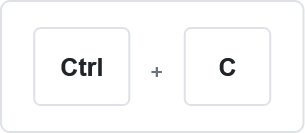
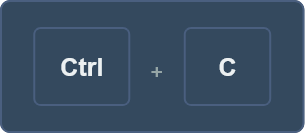
Readme
What are keyboard shortcuts?
Keyboard shortcuts are key combinations that perform specific actions or commands in software applications without using a mouse. They typically involve pressing two or more keys simultaneously, such as Ctrl+C for copying or Alt+Tab for switching windows. These shortcuts improve productivity by providing quick access to frequently used functions, reducing the need for menu navigation or toolbar clicks.
Tool description
This tool generates visual images of keyboard shortcuts that can be used in documentation, tutorials, presentations, or educational materials. It captures your keyboard input in real-time or allows manual entry, then creates a professional-looking image showing the key combination with proper styling and platform-specific symbols.
Features
- Real-time keyboard shortcut capture with automatic key detection
- Platform-specific key symbols (Windows, Mac, Generic)
- Light and dark theme options for different contexts