How to Add a Retro Film Date Stamp to Any Photo
Add the orange date stamp from old film cameras to a photo in your browser, and make it look real instead of pasted on.
3 min read
Add a glowing orange date stamp to your photo, like the ones printed by old film cameras. Uses the date the photo was taken, with 7-segment or dot-matrix digits, and downloads at full size.
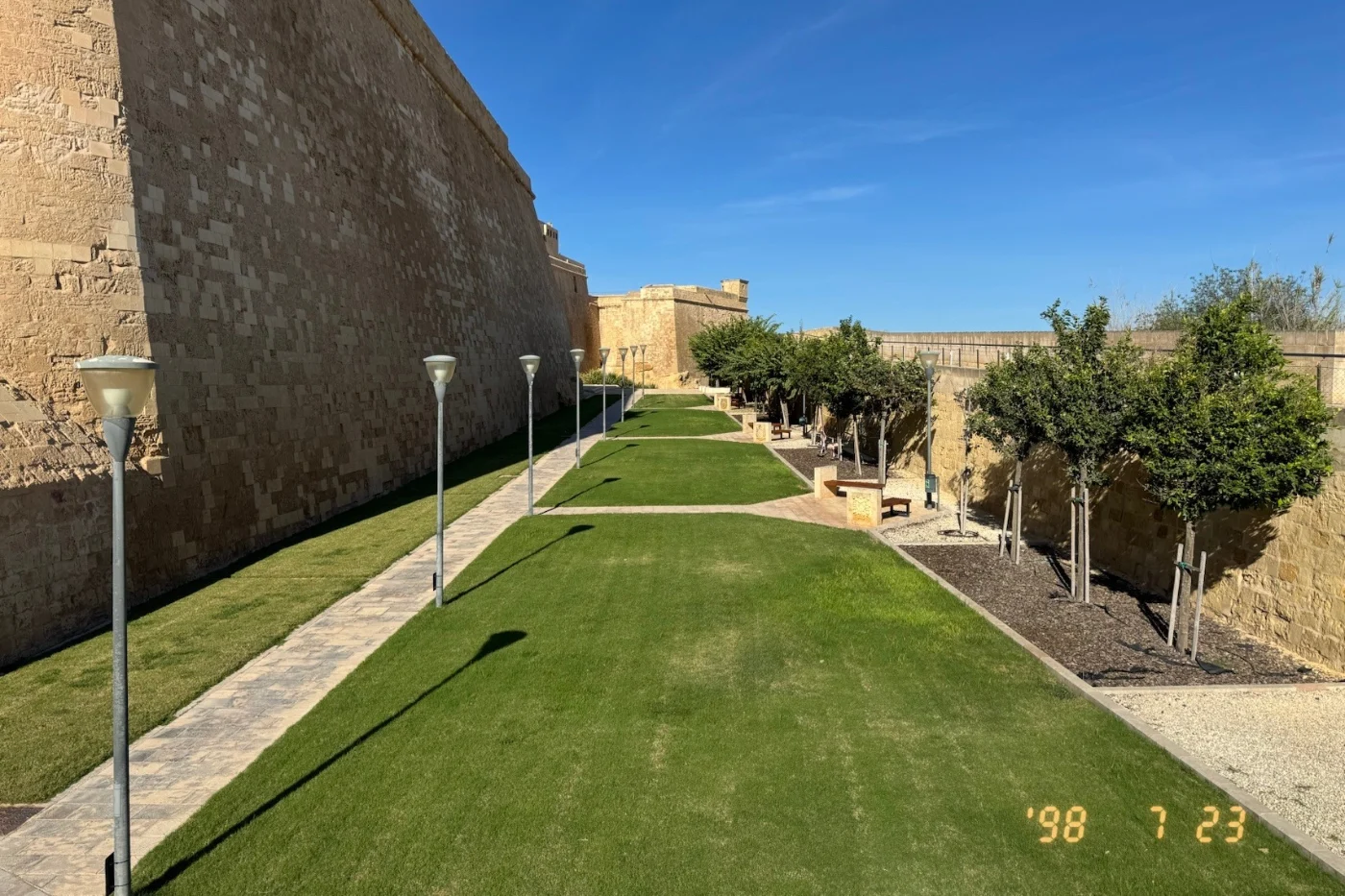
Many compact film cameras from the 1980s to the early 2000s could print the date onto each picture. A small row of LEDs behind the film lit up the digits during the exposure, so the date was burned into the corner of the frame as glowing orange numbers, like '98 7 23. Today that stamp is a quick way to give a digital photo the look of a print from an old photo album.
This tool adds a retro date stamp to your photo in the browser. It reads the date the photo was taken from its metadata, and you can change it to any date you like. Pick the date format, digit style, and color, place the stamp in a corner, then download the photo at full resolution.
The digits are drawn the way a camera's date back printed them: a two-digit year after an apostrophe, and fixed-width fields where a leading zero is left blank. With the film blend on, the digits are added to the photo as light: they glow on dark areas and fade on bright ones, and a soft halo spreads around them like light scattering in the film. Size and distances are measured against the photo's shorter side, so the stamp looks the same on landscape and portrait photos. Everything runs on your device; the photo is never uploaded. The downloaded file doesn't keep the original photo's metadata.
Add the orange date stamp from old film cameras to a photo in your browser, and make it look real instead of pasted on.
3 min read