Quote Image Generator
Create beautiful quote images with custom backgrounds, fonts, and styling for social media
Input
Output
Screenshots
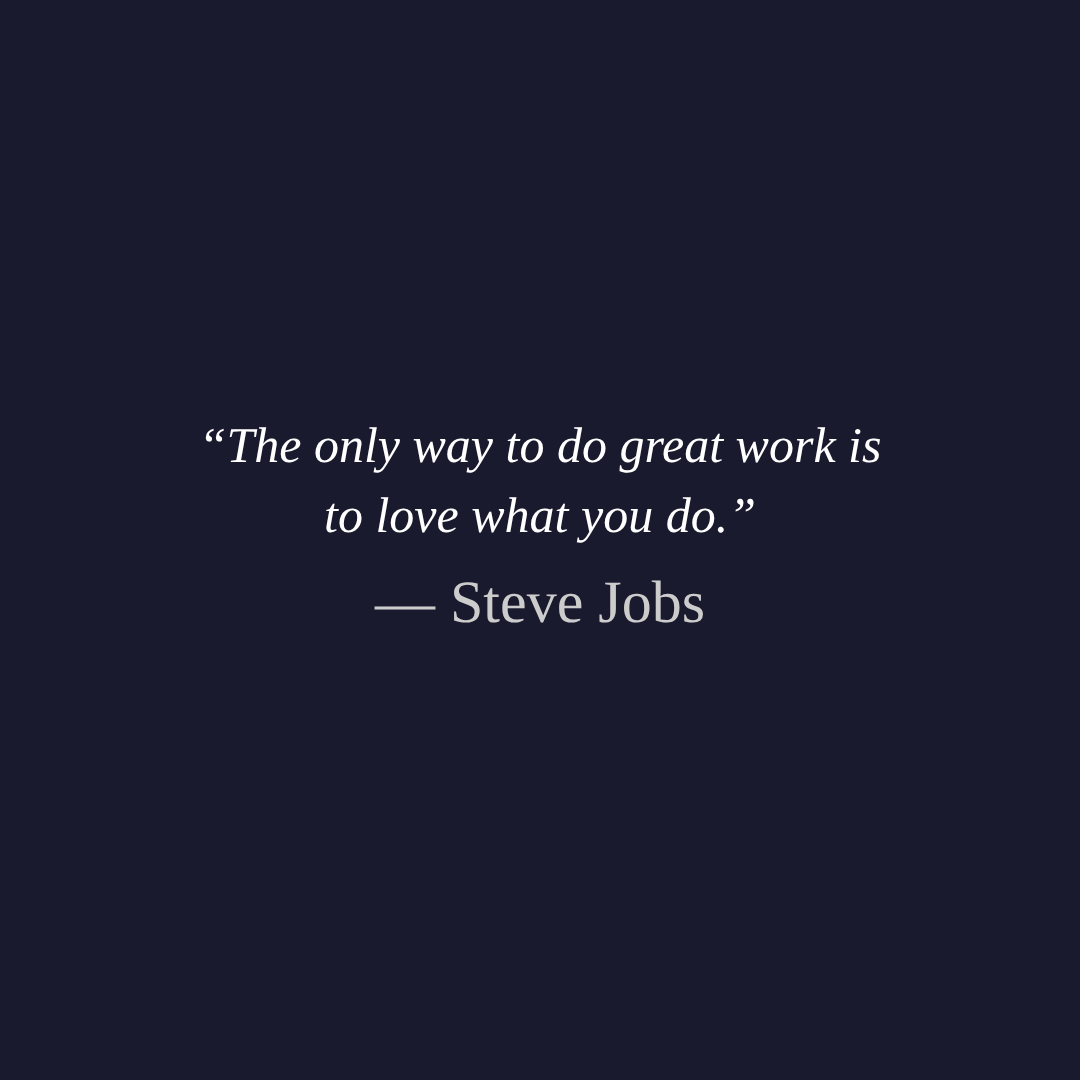
Readme
What is a quote image?
A quote image is a visual graphic that combines a memorable quote with appealing typography and a background design. These images are widely shared on social media platforms like Instagram, Pinterest, Twitter, and Facebook to inspire, motivate, or convey ideas in a visually engaging way. Unlike plain text posts, quote images capture attention in crowded feeds and are far more likely to be saved, shared, and remembered.
Creating professional-looking quote images traditionally required graphic design software like Photoshop or Canva. A quote image generator simplifies this process by letting you type your quote, choose styling options, and instantly preview the result - no design skills needed.
Tool description
This Quote Image Generator creates beautiful, shareable quote graphics directly in your browser. Enter your quote and author name, customize colors, fonts, alignment, and sizing, then download the finished image. You can use a solid background color or upload your own photo as a backdrop, with an optional dark overlay to keep text readable. The live preview updates in real time as you adjust settings, so you can fine-tune every detail before downloading.
Examples
- Motivational post: Type an inspirational quote by a famous author, set a bold font at large size on a dark background, and download a 1080×1080 image ready for Instagram.
- Photo overlay: Upload a landscape photo, enable the dark overlay at 50% opacity, and add a poetic quote in white text centered over the image.
- Minimalist design: Use a clean sans-serif font like Arial on a solid pastel background with quote marks disabled for a modern, understated look.
Features
- Live preview - See changes instantly as you adjust quote text, fonts, colors, alignment, and sizing
- Background image support - Upload a JPEG, PNG, or WebP photo as the backdrop with automatic cover-fit scaling
- Dark overlay - Add a semi-transparent overlay on top of background images to improve text contrast, with adjustable opacity
Options explained
| Option | Description |
|---|---|
| Quote text | The main quote to display on the image. Supports multi-line wrapping. |
| Author | The attribution line shown below the quote, prefixed with an em dash. |
| Background image | Optional photo used as the image backdrop. Overrides the background color when set. |
| Width / Height | Canvas dimensions in pixels. Default is 1080×1080, ideal for Instagram. |
| Font | Typeface for both quote and author text. Six options: Georgia, Times New Roman, Arial, Verdana, Courier New, Trebuchet MS. |
| Text align | Horizontal alignment of text - left, center, or right. |
| Quote font size | Font size of the main quote text (16-120 px). |
| Author font size | Font size of the author attribution (12-80 px). |
| Padding | Inner spacing between the canvas edge and text area (20-200 px). |
| Text color | Color of the main quote text. |
| Author color | Color of the author name. |
| Background color | Solid fill behind the quote when no image is uploaded. |
| Show quote marks | Toggle curly quotation marks (" ") around the quote text. |
| Dark overlay | Adds a semi-transparent black layer on top of the background image. Only available when an image is uploaded. |
| Overlay opacity | Controls the darkness of the overlay (0-100%). |
| Output format | File type for the download: PNG (lossless), JPEG, or WebP. |
| Quality | Compression quality for JPEG and WebP (1-100%). Not applicable to PNG. |
Tips
- For Instagram posts, use the default 1080×1080 resolution. For stories, try 1080×1920.
- When using a busy background photo, increase the overlay opacity to 60-70% so the text stays readable.
- Increase padding on smaller font sizes to give the quote more breathing room and a cleaner look.
- Use contrasting author and quote text colors to create visual hierarchy - for example, white quote text with a light gray author name.
- PNG is best for crisp text with no compression artifacts; use JPEG or WebP at 85-95% quality for smaller file sizes when sharing online.