How to Check if an IP Address Is a VPN or Datacenter IP
Find out if an IPv4 or IPv6 address is on a known VPN list or datacenter list, and see the date the lists were last updated.
3 min read
Check whether an IP address belongs to a known VPN provider or datacenter network.
Protected by Cloudflare Turnstile
Most residential internet connections use IP addresses assigned by consumer internet service providers, tied to a home or mobile network. VPN and datacenter IP addresses are different - they belong to commercial hosting providers, cloud platforms, and VPN services rather than everyday households. Traffic coming from these addresses often indicates that a visitor is using a VPN to mask their real location, or that a request is coming from an automated server rather than a real person browsing at home.
Many websites check whether an incoming IP address belongs to a known VPN or datacenter range as a signal for fraud prevention, bot detection, or enforcing geographic restrictions, since these connections are frequently used to bypass such controls.
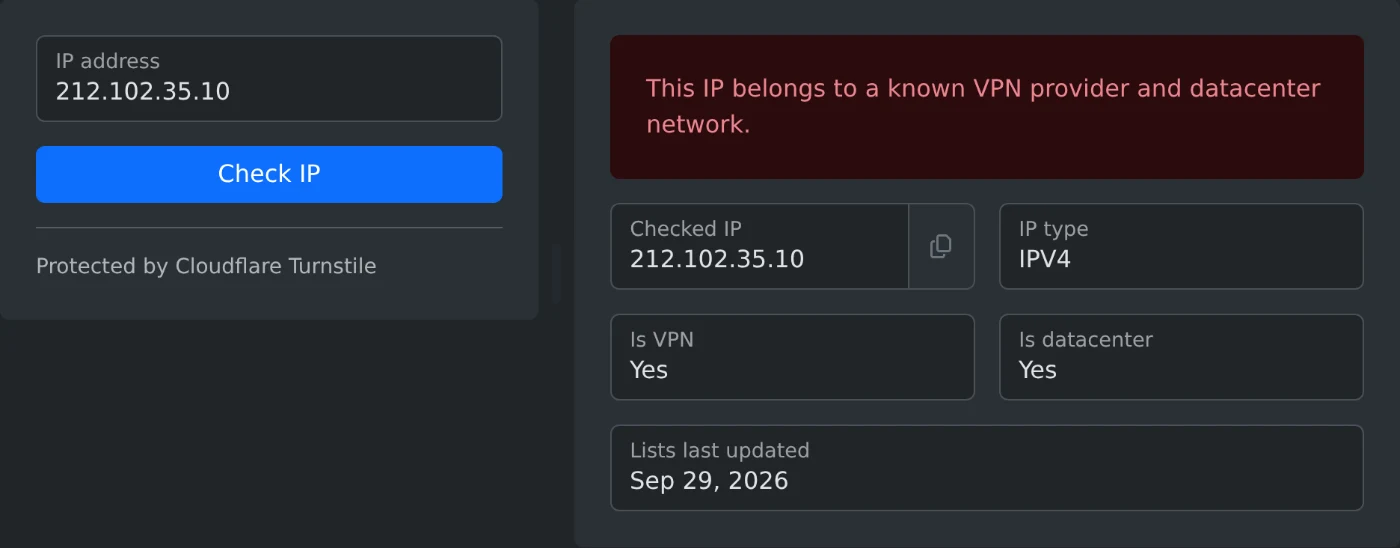
VPN & Datacenter IP Checker looks up an IPv4 or IPv6 address against known lists of VPN providers and datacenter network ranges. Enter an address to instantly see whether it's associated with a VPN, a datacenter, both, or neither, along with the date the underlying lists were last updated.
| Field | Description |
|---|---|
| IP address | The IPv4 or IPv6 address to check. |
| Result | Indicates whether the address is clean, a VPN, a datacenter, or both. |
| Lists updated at | The date the VPN/datacenter reference lists used for the check were last refreshed. |
Find out if an IPv4 or IPv6 address is on a known VPN list or datacenter list, and see the date the lists were last updated.
3 min read