How to Open a KeePass KDBX File Without KeePass
Open a KeePass or KeePassXC .kdbx database in your browser with its master password, search the entries, and copy a password. Nothing is uploaded.
3 min read
Open KeePass, Bitwarden, 1Password, LastPass, Chrome and other password manager files and exports to see every login, note and one-time password, right in your browser.
| Title | Username | Password | Website | Folder |
|---|---|---|---|---|
| Open a password file to see its entries | ||||
A password manager export is your whole vault in one file: every login with its title, username, password and website, plus notes, folders, one time password (TOTP) secrets and custom fields. Most managers can export plain CSV or JSON with no encryption, so anyone who opens the file can read every password. KeePass keeps everything in a KDBX database locked with a master password.
Looking inside one helps when you need a password from an old backup, want to check an export before importing it, or have a KeePass file on a computer without KeePass.
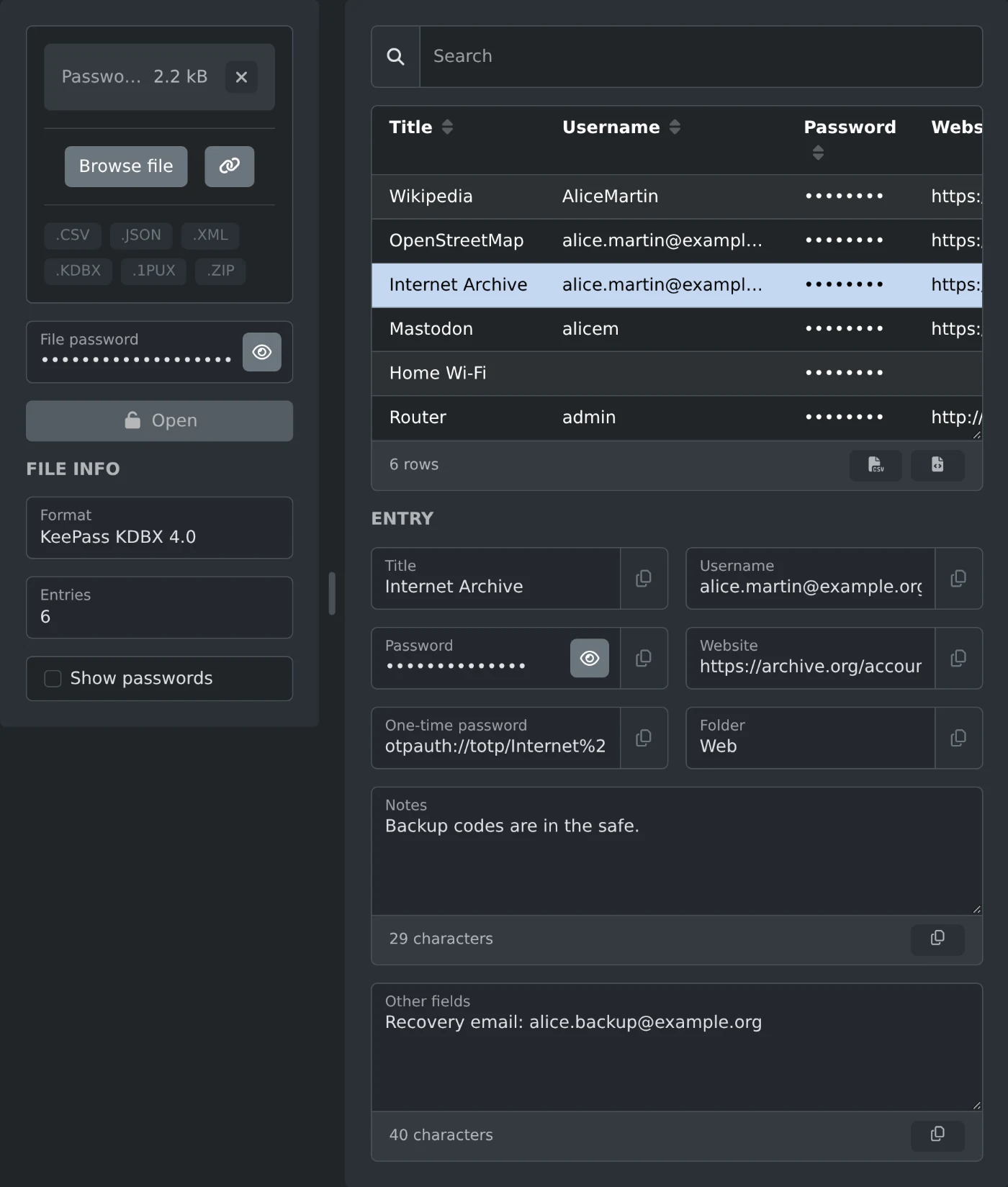
Drop a file and the viewer works out its format, such as KeePass KDBX 4.0 or LastPass CSV. The table lists the title, username, password, website and folder of each entry, and search looks through titles, usernames, websites, folders and notes.
Click an entry to see everything it holds: the TOTP secret, notes, and any other fields under "Other fields", each with a copy button. Passwords show as dots until you tick "Show passwords". For a KeePass database or a password protected Bitwarden export, type the password in "File password" and click "Open".
The file is read and decrypted in your browser and never uploaded. The viewer can't change or save the file. The two buttons under the table save the list as CSV or JSON with the passwords in plain text, so delete those files when you're done.
A KeePass database that also needs a key file can't be opened here, and neither can KeePass 1.x .kdb files or databases encrypted with Twofish. Export a Bitwarden vault again as password protected or unencrypted if its export uses your account key, and export PGP encrypted files again without encryption.
Open a KeePass or KeePassXC .kdbx database in your browser with its master password, search the entries, and copy a password. Nothing is uploaded.
3 min read