How to Cut an MP3 or Trim an Audio File Online
Cut the part you need out of an MP3 or other audio file on its waveform, add a fade, and download the result. The file is never uploaded.
3 min read
Cut an audio file down to the part you need, or cut a part out of it, on a timeline with its waveform. Add fades and keep the format or convert to MP3, M4A, OGG, WAV, or FLAC, right in your browser.
Trimming audio means keeping one continuous part of a recording and throwing away the rest, such as the silence before a podcast starts, the applause after a song, or the 30 seconds you want as a ringtone. Cutting works the other way round: a part in the middle, such as a mistake or an ad break, is taken out and the audio on either side is joined.
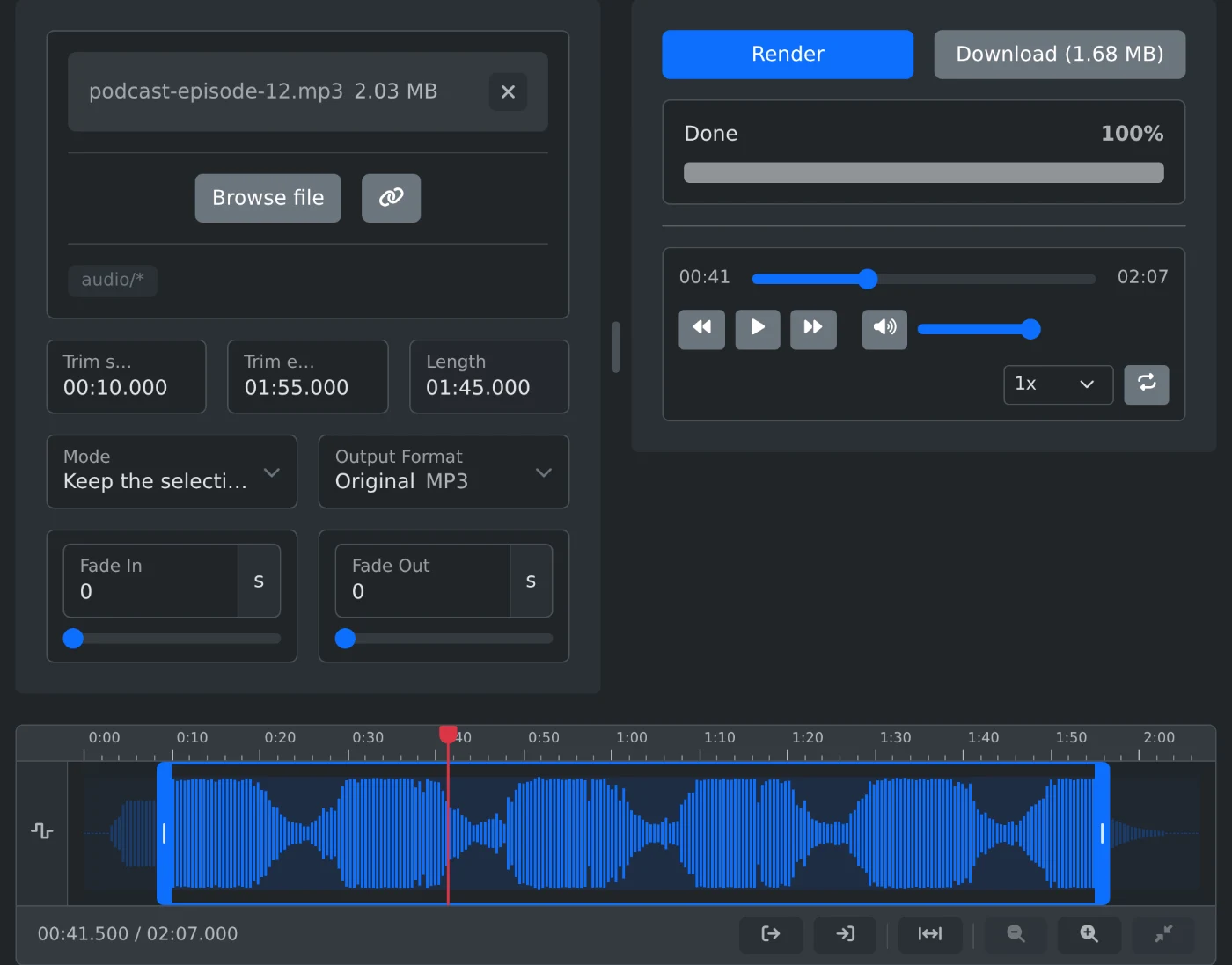
This tool trims and cuts audio files in your browser. Choose a file, drag the handles on its waveform timeline or type where the selection starts and ends, then keep the selection or remove it. Fade the result in and out, keep the original format or convert it, and download the new file. Nothing is uploaded: the audio is processed on your device with FFmpeg compiled to WebAssembly.
mm:ss, or hh:mm:ss, with fractions of a secondThe tool reads the length of the file in the browser and draws its waveform from the decoded audio. When you save, FFmpeg runs on your device. A plain cut in the original format copies the compressed audio into a new file, so it is fast and lossless, and exact to a few hundredths of a second. Fades, removing a part, and converting to another format decode the audio and encode it again: MP3, M4A, and OGG at 192 kbps, WAV as 16-bit PCM, and FLAC losslessly.
Cut the part you need out of an MP3 or other audio file on its waveform, add a fade, and download the result. The file is never uploaded.
3 min read