How to Convert a PDF to PNG Images
Turn the pages of a PDF into PNG images in your browser, pick the pages and the image size, and download one page or all of them.
2 min read
Convert PDF document pages to PNG images with customizable scale settings
PDF (Portable Document Format) is one of the most widely used file formats for sharing documents. Created by Adobe in the early 1990s, PDFs preserve text, images, fonts, and layout across all devices and operating systems. While this makes PDFs ideal for distributing documents, extracting individual pages as images can be challenging without specialized software.
Converting PDF pages to PNG images is a common need in many workflows - from extracting diagrams for presentations to creating thumbnails for document previews. PNG (Portable Network Graphics) is a lossless image format that preserves sharp text and clean edges, making it the best choice for converted document pages.
Unlike JPG, PNG uses lossless compression, which means text and line art stay crisp without compression artifacts. This is crucial when converting documents that contain fine text, charts, or technical drawings. PNG also supports transparency, which can be useful when layering converted pages over other content. For document-to-image conversion, PNG consistently produces the highest quality results.
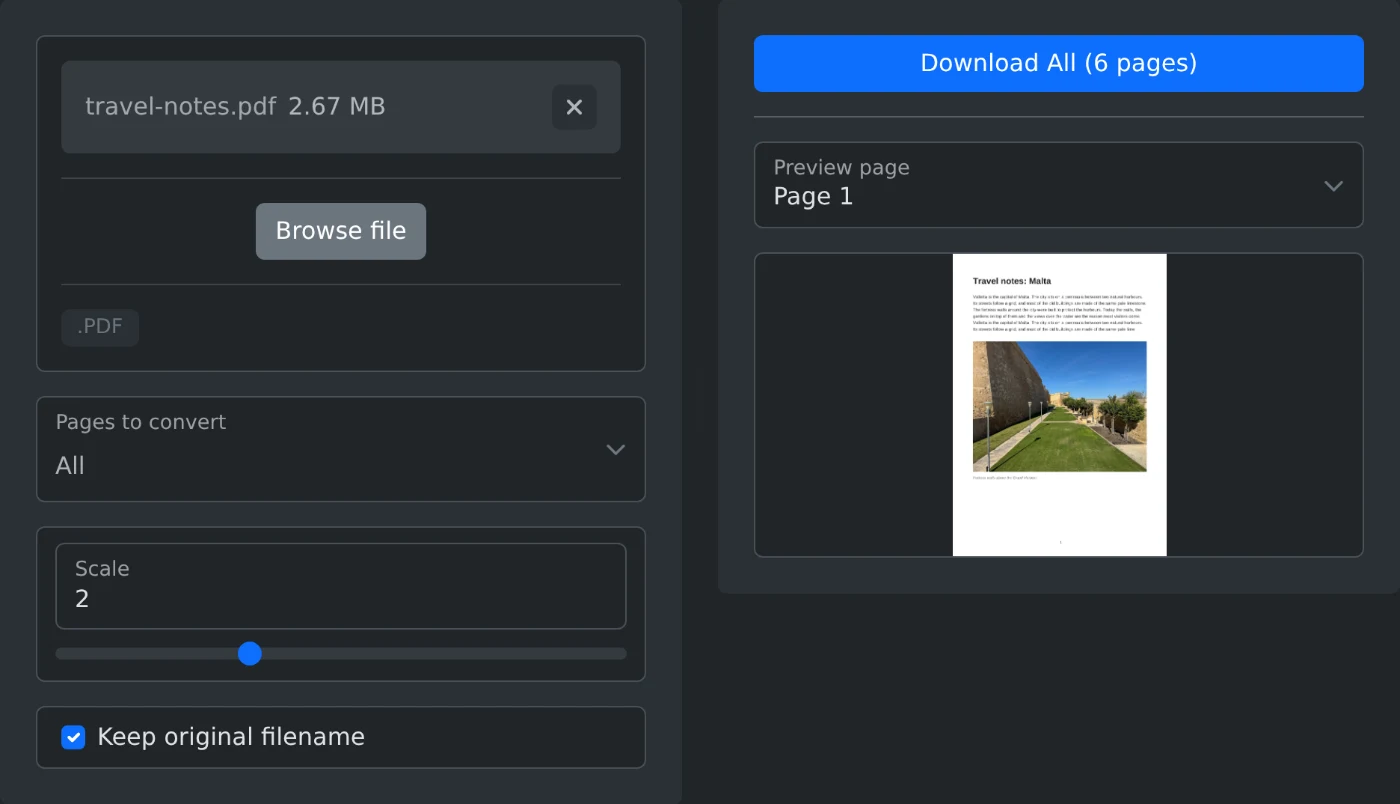
This tool converts PDF document pages into high-quality PNG images directly in your browser. Upload a PDF file, choose which pages to convert, adjust the output resolution with the scale slider, and download individual pages or all pages at once. Everything runs client-side using PDF.js - your files are never uploaded to a server.
The tool uses Mozilla's PDF.js library to parse and render PDF files. Each selected page is drawn onto an HTML canvas element at the specified scale factor, then exported as a PNG image. A scale of 1× matches the PDF's original dimensions (typically 72 DPI), while 2× doubles the resolution for sharper output. Higher scale values produce larger, more detailed images at the cost of increased file size.
report-page-1.png); when disabled, files get a date-stamped nameIs my PDF uploaded to a server? No. All processing happens locally in your browser. Your files never leave your device.
What is the maximum file size I can convert? There is no hard limit, but very large PDFs (hundreds of pages or heavy graphics) may be slower to process depending on your device's memory and processing power.
Why are the output PNG files larger than the original PDF? PDFs use efficient compression for text and vector graphics, while PNGs store full pixel data. Higher scale values further increase the image dimensions and file size.
Turn the pages of a PDF into PNG images in your browser, pick the pages and the image size, and download one page or all of them.
2 min read