How to Extract Attachments from an MBOX File
Get the photos, PDFs, and documents out of a Gmail Takeout or Thunderbird mailbox file in your browser, without a mail client.
3 min read
Extract email attachments from MBOX mailbox files and download them individually or as a ZIP archive.
MBOX is a plain text format for storing a whole mailbox in a single file. Gmail's "Takeout" export, Thunderbird, Apple Mail, and many other mail clients all use it to bundle every message in a folder, headers and attachments included, into one file. That makes MBOX great for backups and migrations, but a pain when you just want to pull the attachments back out, since they're buried inside encoded email bodies rather than sitting as separate files.
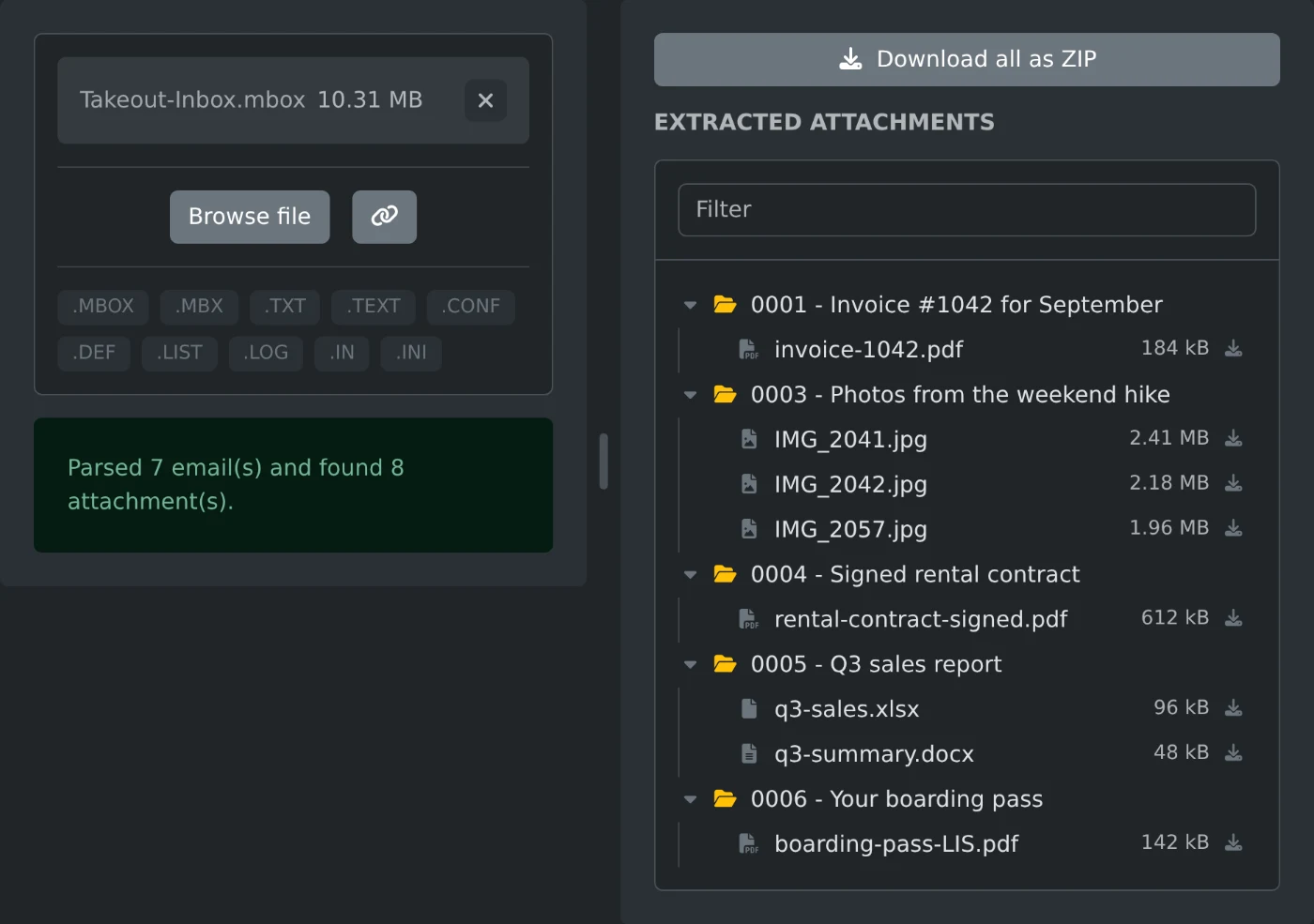
This tool reads an MBOX file entirely in your browser and pulls out every attachment from every message. It splits the file into individual emails, parses each one, and collects the attachments into a browsable file tree organized by message subject. You can download attachments one at a time or grab everything at once as a ZIP.
Get the photos, PDFs, and documents out of a Gmail Takeout or Thunderbird mailbox file in your browser, without a mail client.
3 min read