Screenshots voor de Chrome Web Store maken voor je extensie
Maak afbeeldingen voor de vermelding van je Chrome-extensie met een kop, een rustige achtergrond en het juiste formaat, zonder ontwerpsoftware.
2 min leestijd
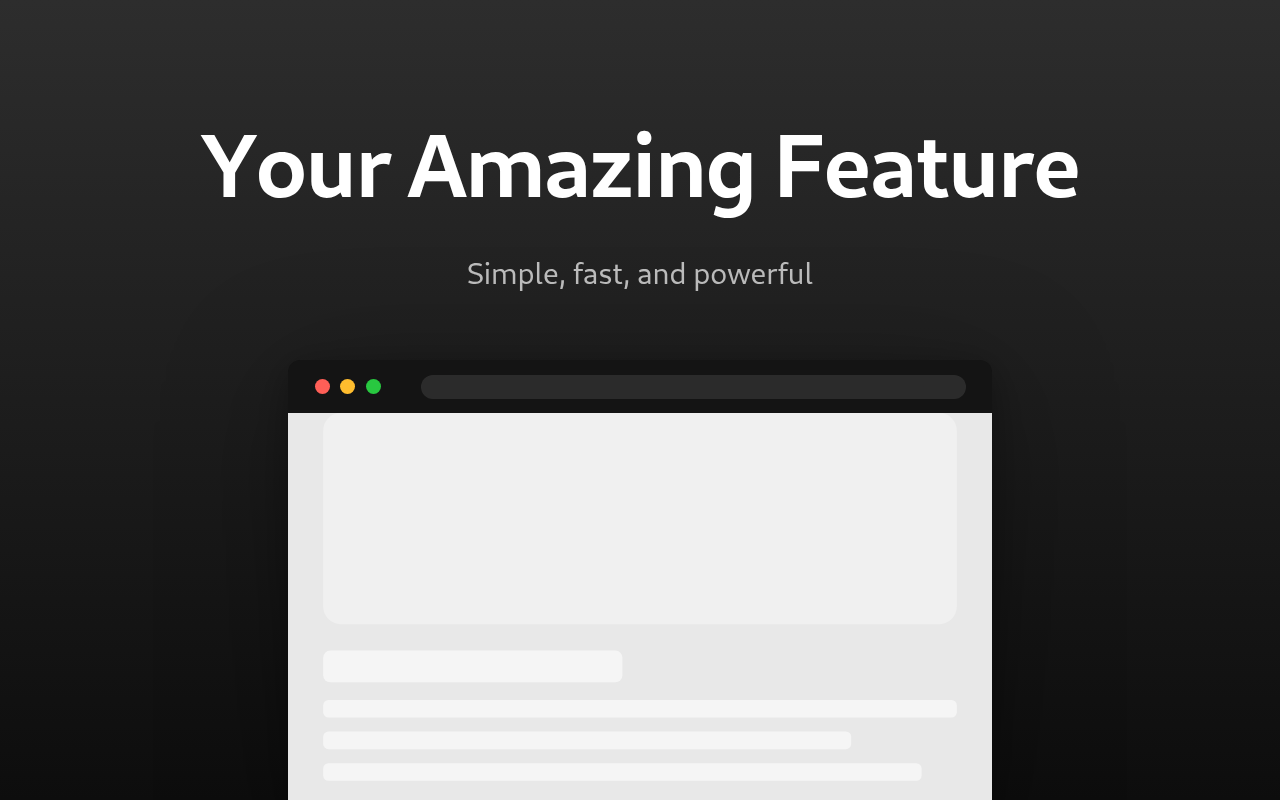
Gebruik de generator voor screenshots voor de Chrome Web Store om een screenshot voor de Chrome Web Store te maken. Upload een schermafbeelding van je extensie, voeg een kop toe en download de afbeelding als PNG. Het standaardformaat is het formaat van de winkel: 1280 bij 800 pixels. De afbeelding wordt precies in dit formaat geëxporteerd, zodat je deze direct kunt uploaden.
Een gewone screenshot van je extensie verkoopt die niet. Dezelfde screenshot met een kop, een gekleurde achtergrond en een browserframe ziet eruit als een afgewerkt product. Dat is wat de tool maakt.
Wat je moet voorbereiden
- Een duidelijke screenshot van je extensie in gebruik. Snijd deze bij tot de popup of de pagina, niet het hele bureaublad.
- Een kop van drie tot vijf woorden die het belangrijkste voordeel benoemt, zoals "Blokkeer trackers op elke website".
- Een ondertitel met één extra detail.
Heeft je extensie meerdere functies? Maak dan voor elke functie een aparte afbeelding.
Eén afbeelding maken
- Upload de screenshot bij Screenshot.
- Typ je kop en ondertitel. De standaardteksten zijn slechts voorbeelden, dus vervang ze allebei.
- Kies een sjabloonindeling. De tekst kan boven, onder, links of rechts van de afbeelding staan.
- Stel Apparaatframe in op Browser om de screenshot in een browservenster te tonen, of op Geen voor de afbeelding zonder frame.
- Kies een achtergrond: één effen kleur of een verloop tussen twee kleuren.
- Verschuif de schuifregelaar Schaal van screenshot als de afbeelding te groot of te klein lijkt.
- Exporteer de afbeelding als PNG.
Zo ziet het er goed uit
- Houd de kop kort en de lettergrootte groot. In zoekresultaten is de afbeelding klein en wordt lange tekst onleesbaar.
- Gebruik een verloop tussen twee vergelijkbare kleuren. Een sterk kleurverschil leidt de aandacht af van de screenshot.
- Gebruik je het browserframe? Stel de Framekleur dan in op dezelfde kleur als de achtergrond. Zo valt het frame niet op.
- Gebruik voor al je afbeeldingen dezelfde stijl: dezelfde achtergrond, hetzelfde lettertype en dezelfde grootte van de kop. Dan ziet de vermelding eruit als één geheel.
PNG of JPG
Gebruik PNG. Dit behoudt de volledige kwaliteit en het bestand is bij dit formaat klein. Gebruik JPG alleen als je voor een andere plek een kleiner bestand nodig hebt, zoals voor een README of een bericht op sociale media.
Zet je beste afbeelding vooraan. Dat is de eerste afbeelding die mensen zien.
Klaar om het zelf te proberen?
Chrome Web Store Screenshot Generator
Maak professionele Chrome Web Store screenshots met browserframes, promotionele tekst en merkgebonden achtergronden voor extensielijsten