How to Check if an IP Address Is a VPN or Datacenter IP
Find out if an IPv4 or IPv6 address is on a known VPN list or datacenter list, and see the date the lists were last updated.
3 min read
Featured tool
VPN & Datacenter IP Checker
Controleer of een IP-adres toebehoort aan een bekende VPN-provider of datacentrumnetwerk.
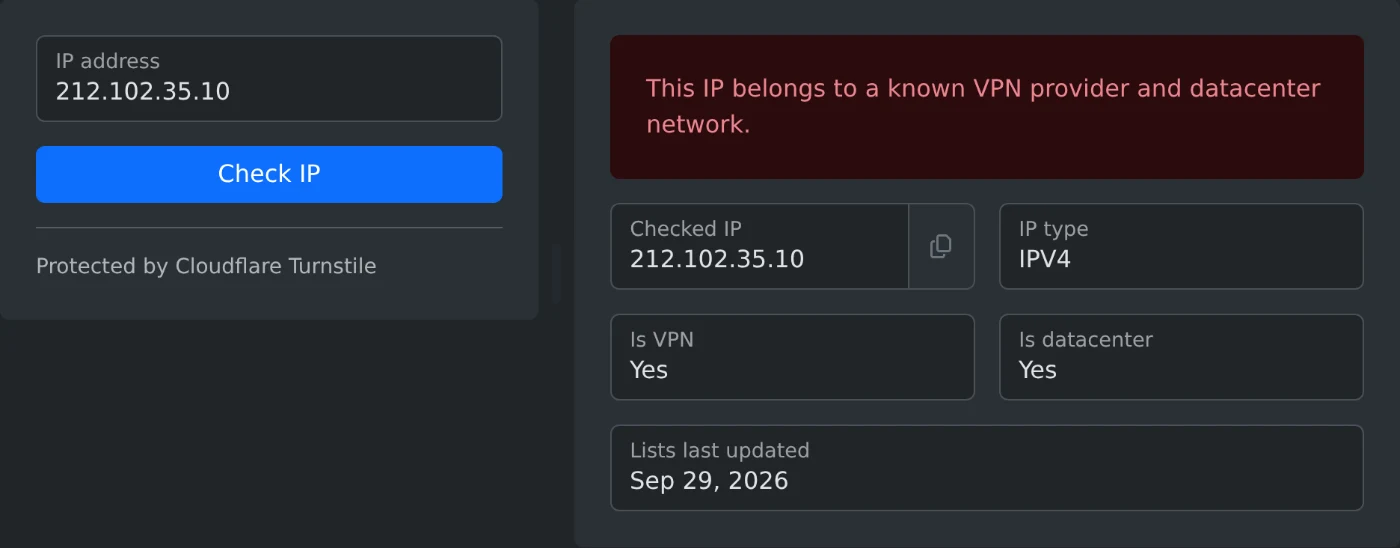
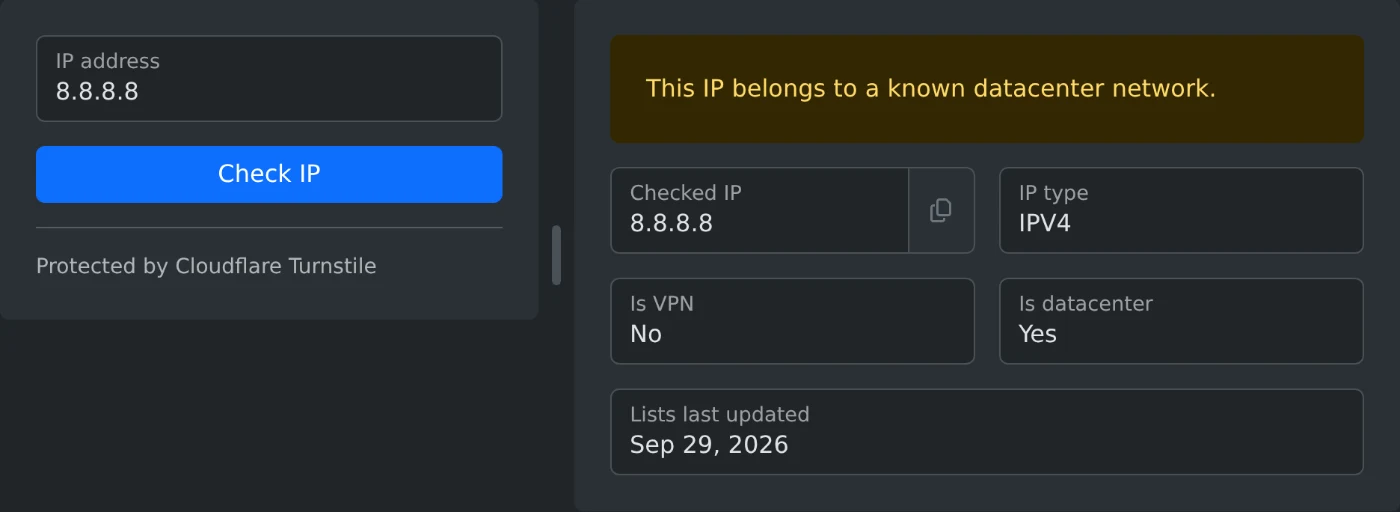
To check if an IP address is a VPN or datacenter IP, open the VPN & Datacenter IP Checker and type the address. Click "Check IP" and read the message at the top of the result. The Is VPN and Is datacenter fields below it show Yes or No for each list.
A VPN address belongs to a VPN service. A datacenter address belongs to a hosting or cloud network, not to a home or mobile connection. You can check an address from your server logs, from a registration form, or the address your own VPN gives you.
Which addresses you can check
- IPv4 addresses, such as
8.8.8.8, and IPv6 addresses, such as2001:4860:4860::8888. The IP type field shows IPV4 or IPV6. - Only public addresses. Private addresses, such as
192.168.1.10or10.0.0.5, show the message "Field "ip" has an invalid value". - Only IP addresses, not domain names. To check a website, find its IP address first with the DNS IP Resolver.
What the four results mean
Each result has its own message. The two fields show the same answer as the message.
- Green: "This IP does not appear on any known VPN or datacenter list." Both fields show No.
- Yellow: "This IP belongs to a known VPN provider network." Only Is VPN shows Yes.
- Yellow: "This IP belongs to a known datacenter network." Only Is datacenter shows Yes.
- Red: "This IP belongs to a known VPN provider and datacenter network." Both fields show Yes.
What a clean result does not prove
The green message means the address is not on the lists. It does not prove that the address is a home connection. A VPN or a server with an address that is not on the lists gets the same result.
The Lists last updated field shows the date of the lists that were used for the check. Addresses that a VPN service started to use after that date can be missing.
How to use the result
A match tells you that the address is in a range on the list. It does not tell you who is behind the address. If you run a website, use the result as one of several checks before you block a visitor. If you use a VPN, the result shows if the address your VPN gives you is on these lists.
Paste the address, click "Check IP", and read the Is VPN and Is datacenter fields.
Ready to try it yourself?
VPN & Datacenter IP Checker
Controleer of een IP-adres toebehoort aan een bekende VPN-provider of datacentrumnetwerk.