Cómo crear capturas de pantalla para Chrome Web Store para tu extensión
Crea imágenes para la ficha de tu extensión de Chrome con un titular, un fondo limpio y el tamaño adecuado, sin usar programas de diseño.
3 min de lectura
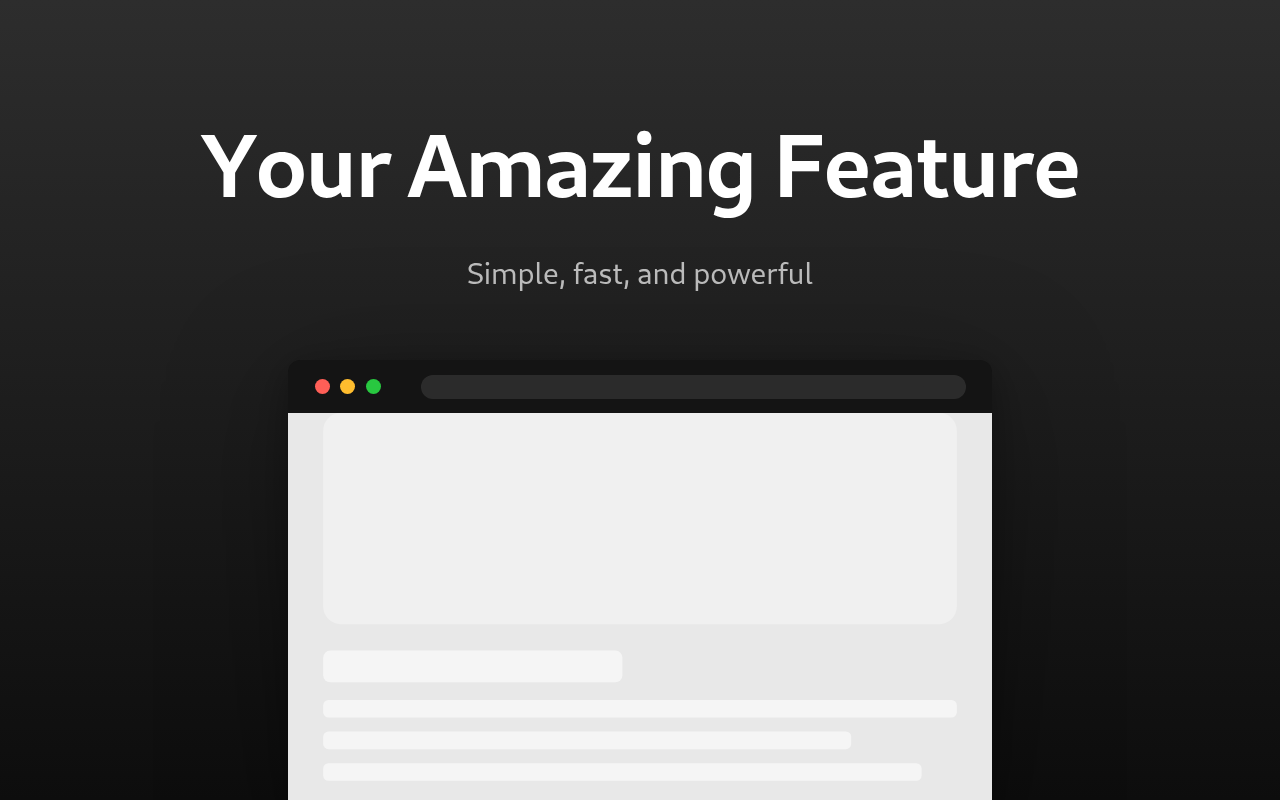
Para crear una captura de pantalla para Chrome Web Store, usa el generador de capturas de pantalla para Chrome Web Store. Sube una captura de tu extensión, añade un titular y descarga la imagen en formato PNG. El tamaño predeterminado es el que usa la tienda: 1280 por 800 píxeles. La imagen se exporta exactamente con esas dimensiones, así que puedes subirla directamente.
Una captura sencilla de tu extensión no ayuda a promocionarla. La misma captura con un titular, un fondo de color y un marco de navegador parece un producto terminado. Eso es lo que crea la herramienta.
Qué preparar
- Una captura nítida de tu extensión en uso. Recórtala para mostrar la ventana emergente o la página, no todo el escritorio.
- Un titular de entre tres y cinco palabras que indique el beneficio principal, como «Bloquea rastreadores en todos los sitios».
- Un subtítulo con una línea de información adicional.
Si tu extensión tiene varias funciones, crea una imagen para cada una.
Cómo crear una imagen
- Sube la captura en «Captura de pantalla».
- Escribe el titular y el subtítulo. Los textos predeterminados son solo ejemplos, así que reemplázalos.
- Elige un «Diseño de plantilla». El texto puede ir encima, debajo, a la izquierda o a la derecha de la imagen.
- En «Marco del dispositivo», selecciona «Navegador» para mostrar la captura dentro de una ventana del navegador, o «Ninguno» para usar la imagen sin marco.
- Elige un fondo: un color sólido o un degradado entre dos colores.
- Mueve el control deslizante «Escala de la captura» si la imagen se ve demasiado grande o demasiado pequeña.
- Exporta la imagen en formato PNG.
Cómo conseguir que se vea bien
- Usa un titular corto y un tamaño de fuente grande. En los resultados de búsqueda, la imagen se ve pequeña y el texto largo resulta ilegible.
- Usa un degradado entre dos colores similares. Un contraste fuerte distrae de la captura.
- Si usas el marco del navegador, configura «Color del marco» con el mismo color que el fondo. Así, el marco se integra.
- Usa el mismo estilo en todas tus imágenes: el mismo fondo, la misma fuente y el mismo tamaño de titular. Así, la ficha se verá uniforme.
PNG o JPG
Usa PNG. Mantiene toda la calidad y el archivo ocupa poco con este tamaño. Usa JPG solo si necesitas un archivo más pequeño para otro lugar, como un README o una publicación en redes sociales.
Pon primero tu imagen más impactante. Será la primera que vea la gente.
¿Quieres probar la herramienta?
Generador de Capturas de Pantalla para Chrome Web Store
Crea capturas de pantalla profesionales para Chrome Web Store con marcos de navegador, texto promocional y fondos personalizados para listados de extensiones