How to Make a WiFi QR Code for Your Guests
Turn your WiFi name and password into a QR code that guests scan with the phone camera to join the network. Free, and nothing is uploaded.
2 min read
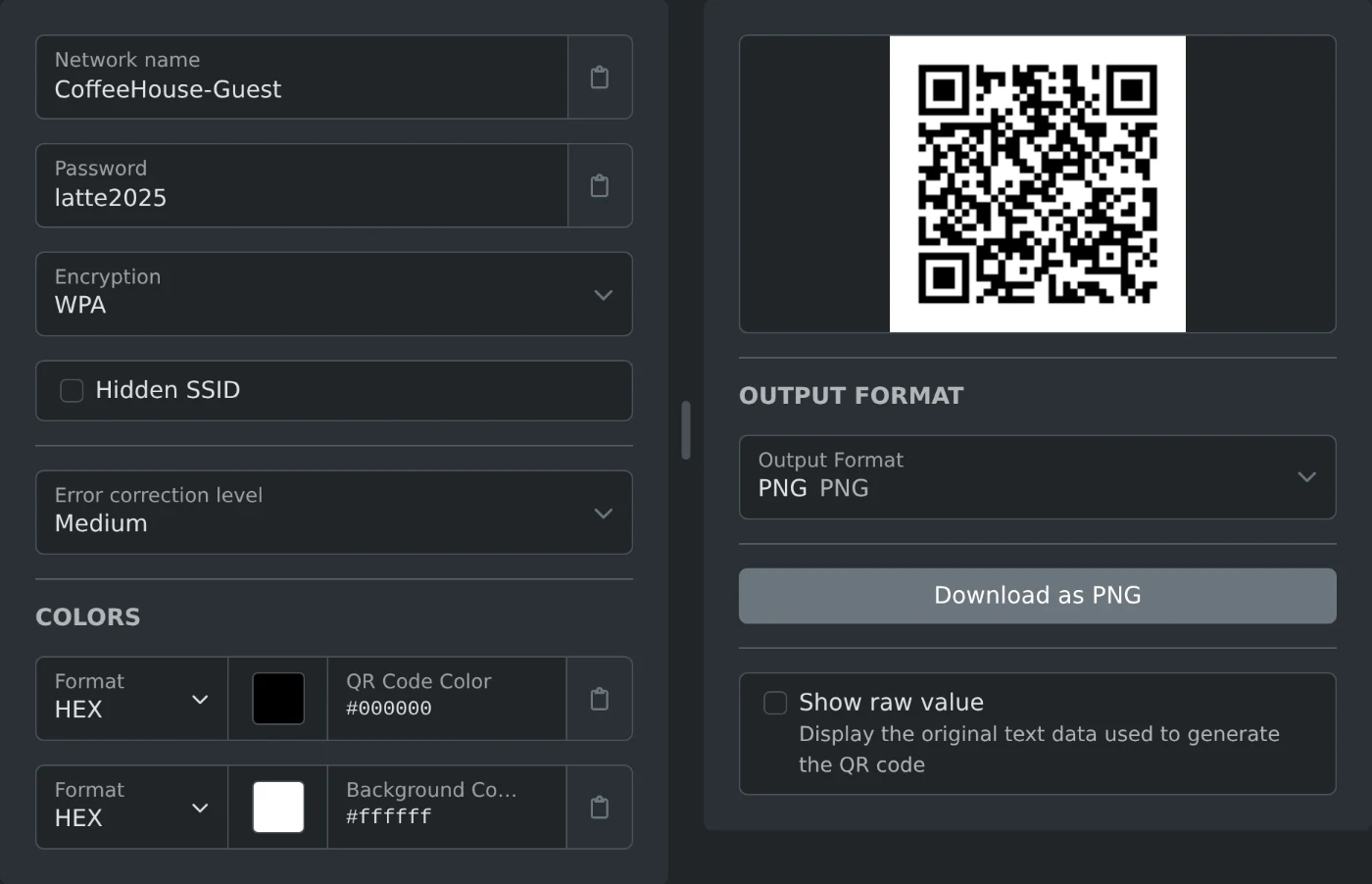
To make a WiFi QR code, open the WiFi QR code generator, type the network name and the password, and keep the encryption on WPA. The QR code appears right away. Click "Download as PNG" and print it or show it on a screen. Guests point the phone camera at it and join the network without typing the password.
The code is made in your browser. Your password is never sent anywhere.
How to make the code
- Type the network name exactly as it shows in the WiFi list. Capital letters matter.
- Type the password. Capital letters matter here too.
- Pick the encryption. WPA is the default.
- Tick "Hidden SSID" only if your network does not show up in the WiFi list.
- Pick PNG, JPEG or WebP under "Output Format", then download.
The file is saved as qr-code-wifi followed by a number, for example qr-code-wifi-1792561234567.png.
Which encryption to choose
- WPA: for almost every home, office and cafe network. Choose it when your router says WPA2 too.
- WEP: only for a very old router that still uses it.
- None: for an open network with no password. Leave the password field empty, or no code is made.
You can find the encryption in the WiFi settings of your router or of a laptop that is already connected.
How to make the code easier to scan
The "Error correction level" lets a phone read the code when part of it is dirty, folded or covered. Medium is the default. Pick High for a sticker or a printed card that will get handled a lot.
You can also change the QR code color and the background color. Keep a dark code on a light background. Light codes on dark backgrounds are hard for some phones to read.
Before you print
- Scan the code with your own phone and join the network. Do this before you print 50 copies.
- Tick "Show raw value" to see the text inside the code. The network name and the password are in it as plain text.
- Use a guest network if your router has one. Anyone who can see the code can read the password.
- Make a new code when you change the password. The old one stops working.
Type the name and the password, scan it once yourself, and put it on the table.
Ready to try it yourself?
Generator kodów QR WiFi
Generuj kod QR do łączenia się z sieciami WiFi.