Browser Extension Now Syncs With Your Account
Sign in to the extension and never lose a bookmark again
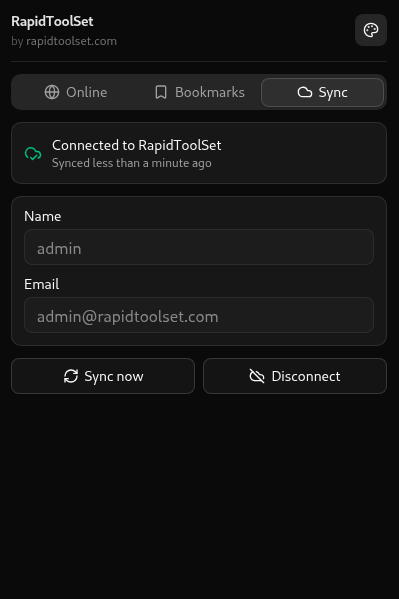
Bookmarks synced across devices
The browser extension used to keep bookmarks local to whatever browser it was installed in. Bookmark a tool on your work laptop and it wouldn't show up at home. If you registered an account on the site, the extension didn't know about it either.
That's fixed now. Log in to your account from the extension and every bookmark syncs automatically, on the site and across every browser and device where you're signed in.
How to enable sync
- Open the extension popup from your toolbar
- Log in or sign up if you don't have an account yet
- Bookmark a tool from the extension or the site, it now appears everywhere you're signed in
No account? The extension still works exactly as before, with bookmarks saved locally in that browser only.
Get the extension
- Chrome / Edge / Brave: Install from the Chrome Web Store
- Firefox: Install from Firefox Add-ons
Already installed? Your existing bookmarks stay put. Just log in to start syncing them.