Falling Snow Generator
Generate a customizable falling snow animation script for websites. Configure snowflake count, color, size, speed, opacity, wind effect, blur, and animation style. Preview the effect live and copy the ready-to-use JavaScript code to add beautiful snow animations to any webpage.
Input
Output
Screenshots
Readme
What is a falling snow animation?
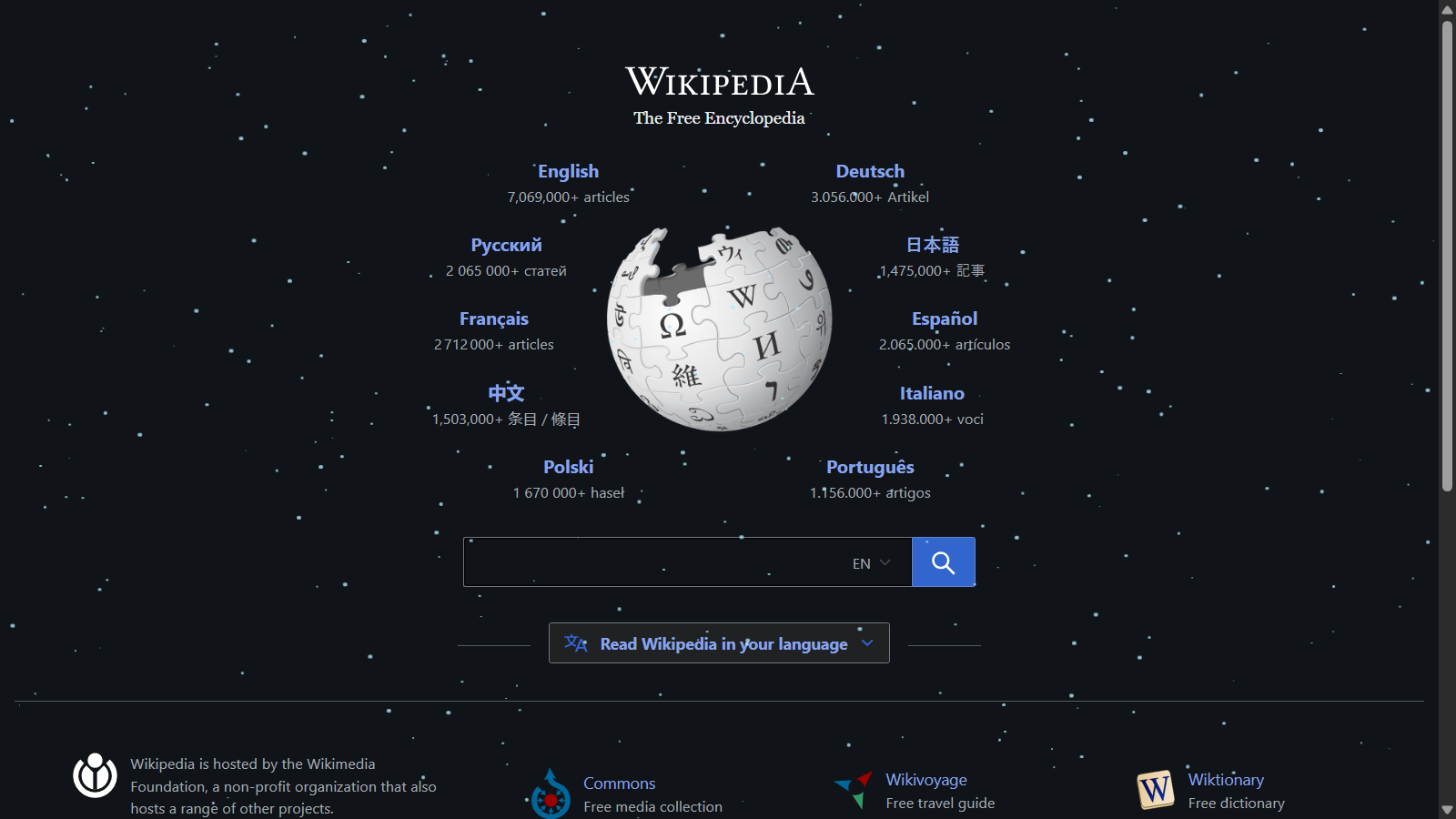
A falling snow animation is a visual effect that simulates snowflakes gently falling down a webpage, creating a winter or festive atmosphere. This snow effect for website uses JavaScript and CSS to generate multiple small elements (representing snowflakes) that move from the top to the bottom of the screen at varying speeds and trajectories. The effect is purely decorative and doesn't interfere with page functionality, making it perfect for seasonal websites, holiday promotions, or winter-themed content.
Tool Description
The Falling Snow Generator creates customizable falling snow JavaScript code to add snow to website pages effortlessly. The tool provides a live preview where you can see your snow effect in real-time as you adjust settings. Once you're satisfied with the appearance, simply copy the generated snow effect HTML code and paste it into your website. The script is self-contained and will automatically create snowflakes when loaded, with no dependencies required.
Features
- Live Preview: See your snow animation in real-time as you adjust settings
- Customizable Snowflake Count: Control the number of snowflakes (10-300)
- Color Picker: Choose any color for your snowflakes to match your website theme
Implementation
To use the generated snow effect for website on your pages:
- Configure the snow parameters using the tool's controls
- Preview the falling snow JavaScript effect in the live preview area
- Copy the generated snow effect HTML code
- Paste the code into your website's HTML file, preferably before the closing
</body>tag or in a<script>tag - The snow will automatically start falling when the page loads
To remove the snow effect, you can call the global function removeSnow() from the browser console or add a button that calls this function. This makes it easy to add snow to website temporarily or toggle it on demand.
Technical Details
The generated script creates a fixed-position container that spans the entire viewport and uses CSS animations for smooth snowflake movement. Each snowflake gets a unique animation with randomized properties based on your settings. The script uses:
- DOM manipulation to create snowflake elements
- CSS animations for smooth, hardware-accelerated movement
- Random values to create natural-looking variation
- Event listeners to reset snowflake positions for continuous animation
- Inline styles for self-contained, dependency-free implementation